
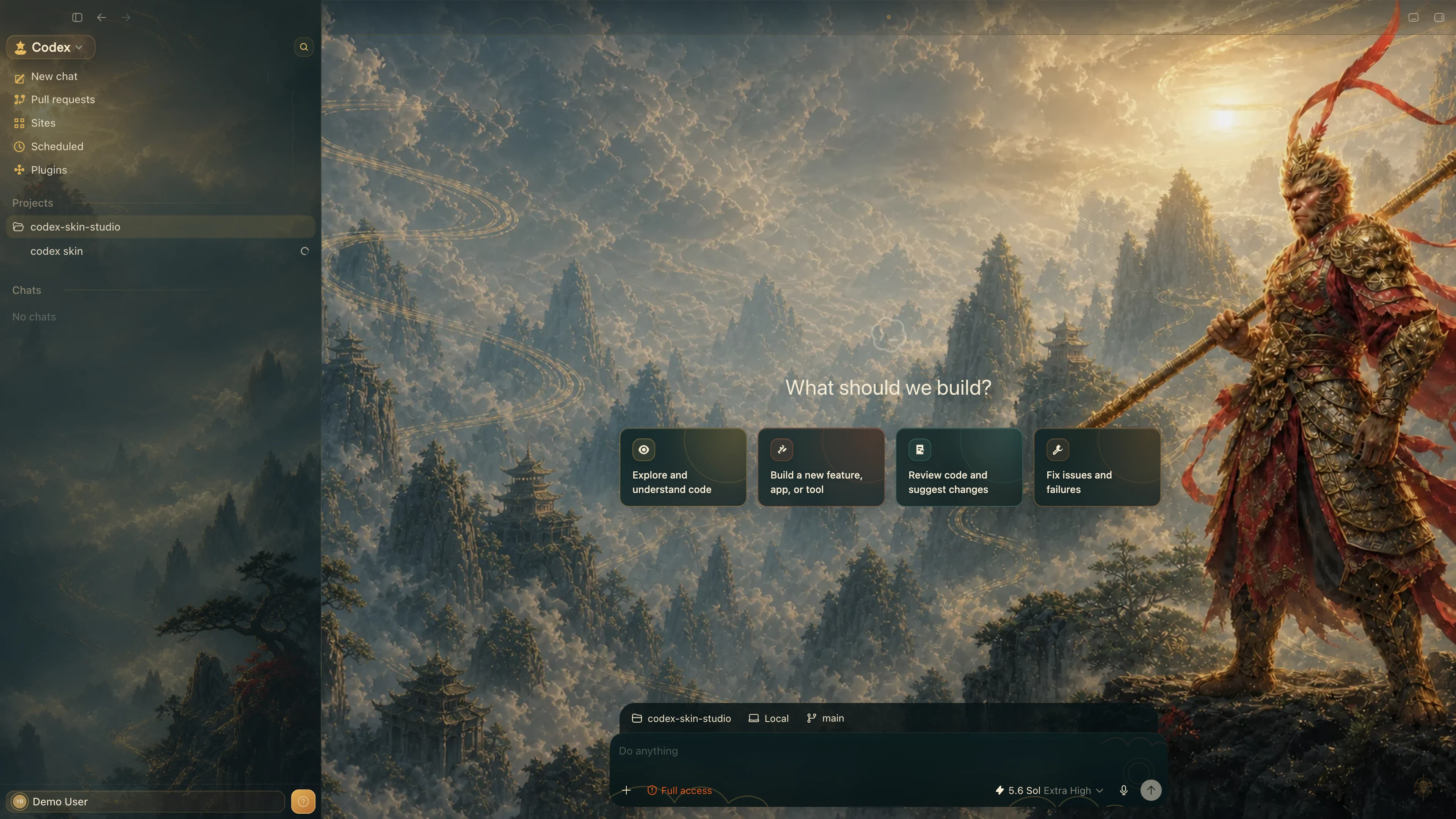
 Dark
DarkVerified Codex skins & themes · macOS + Windows
Codex skins and themes.
Apply. Switch. Restore. One click.
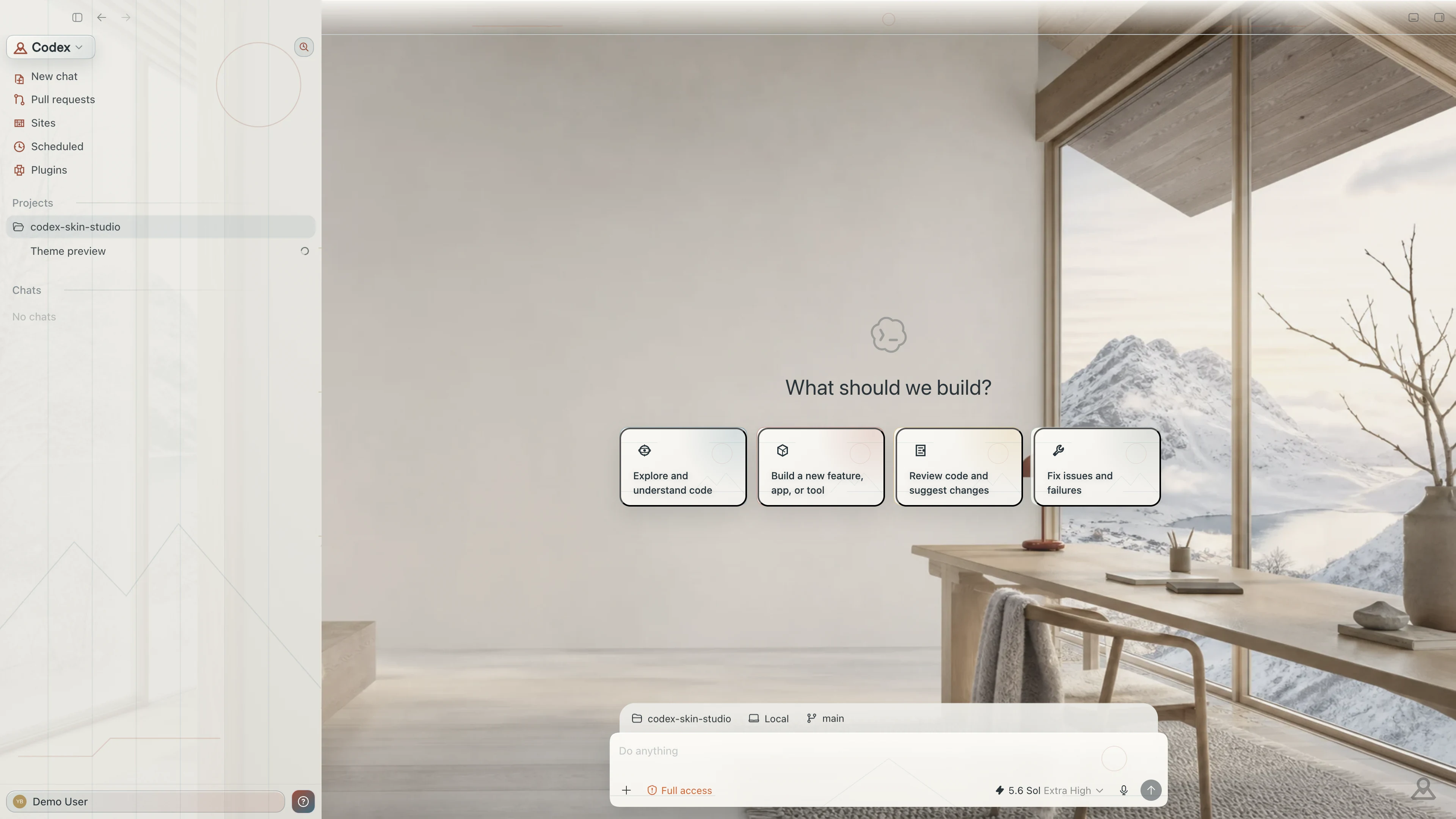
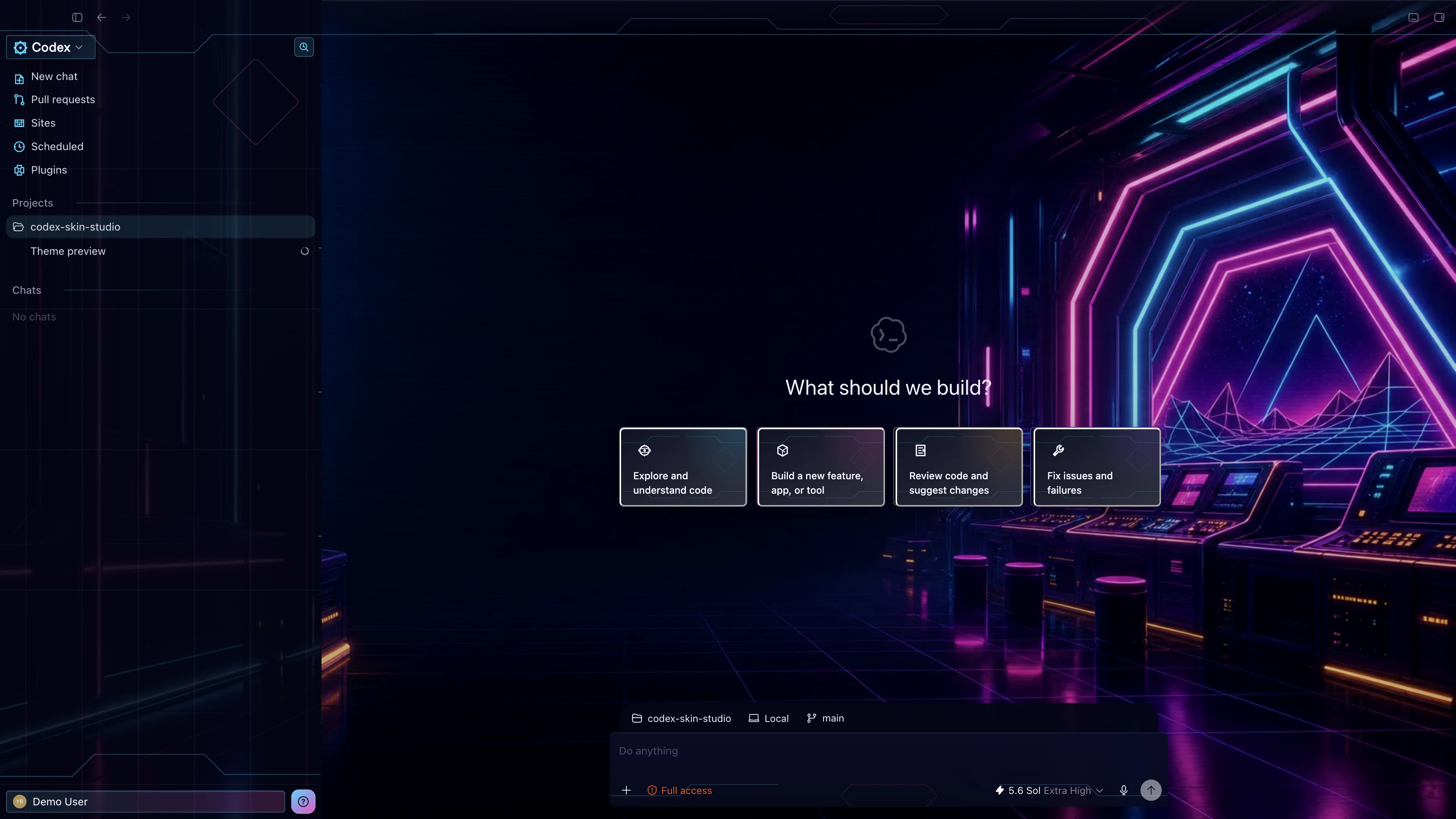
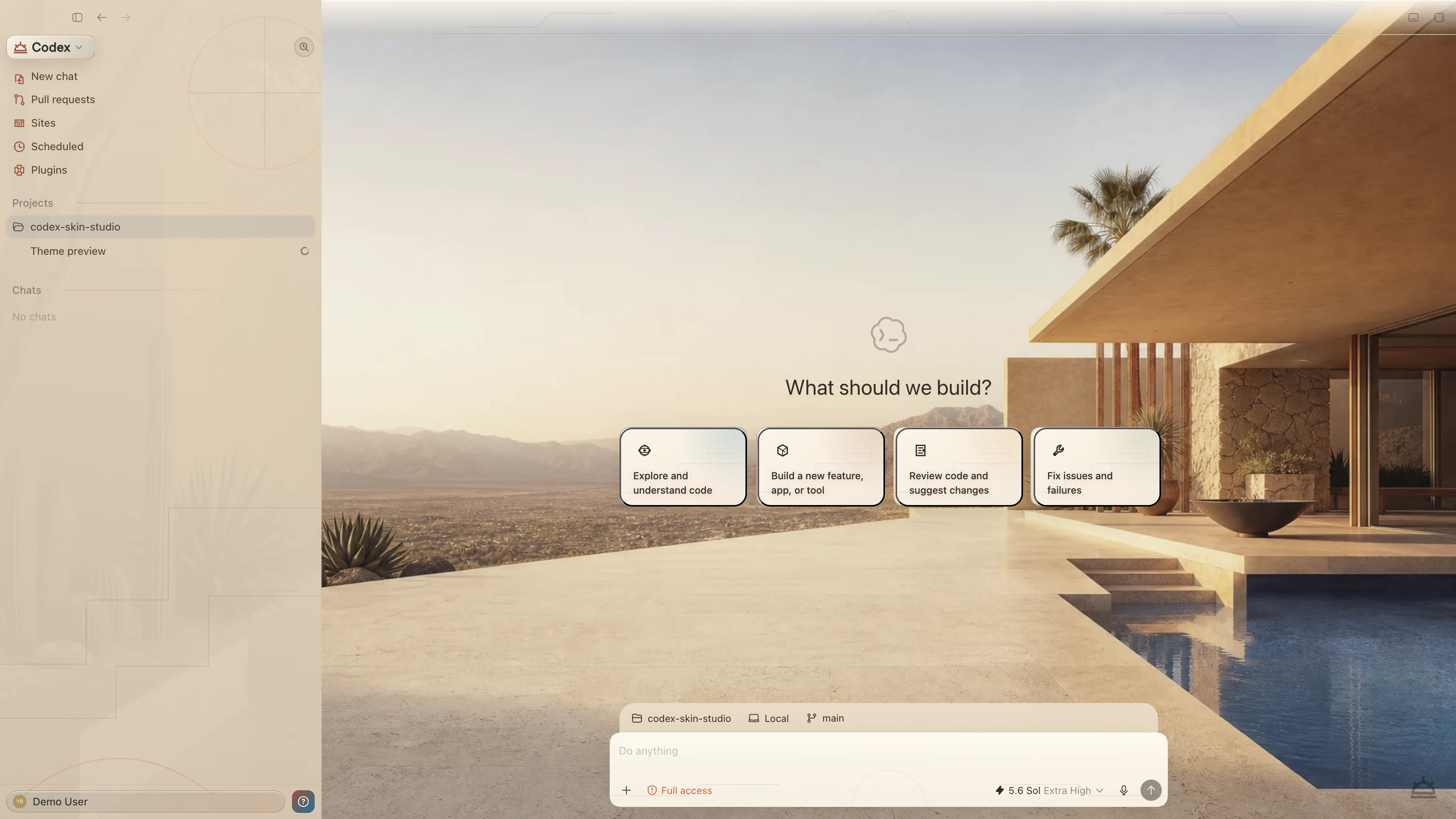
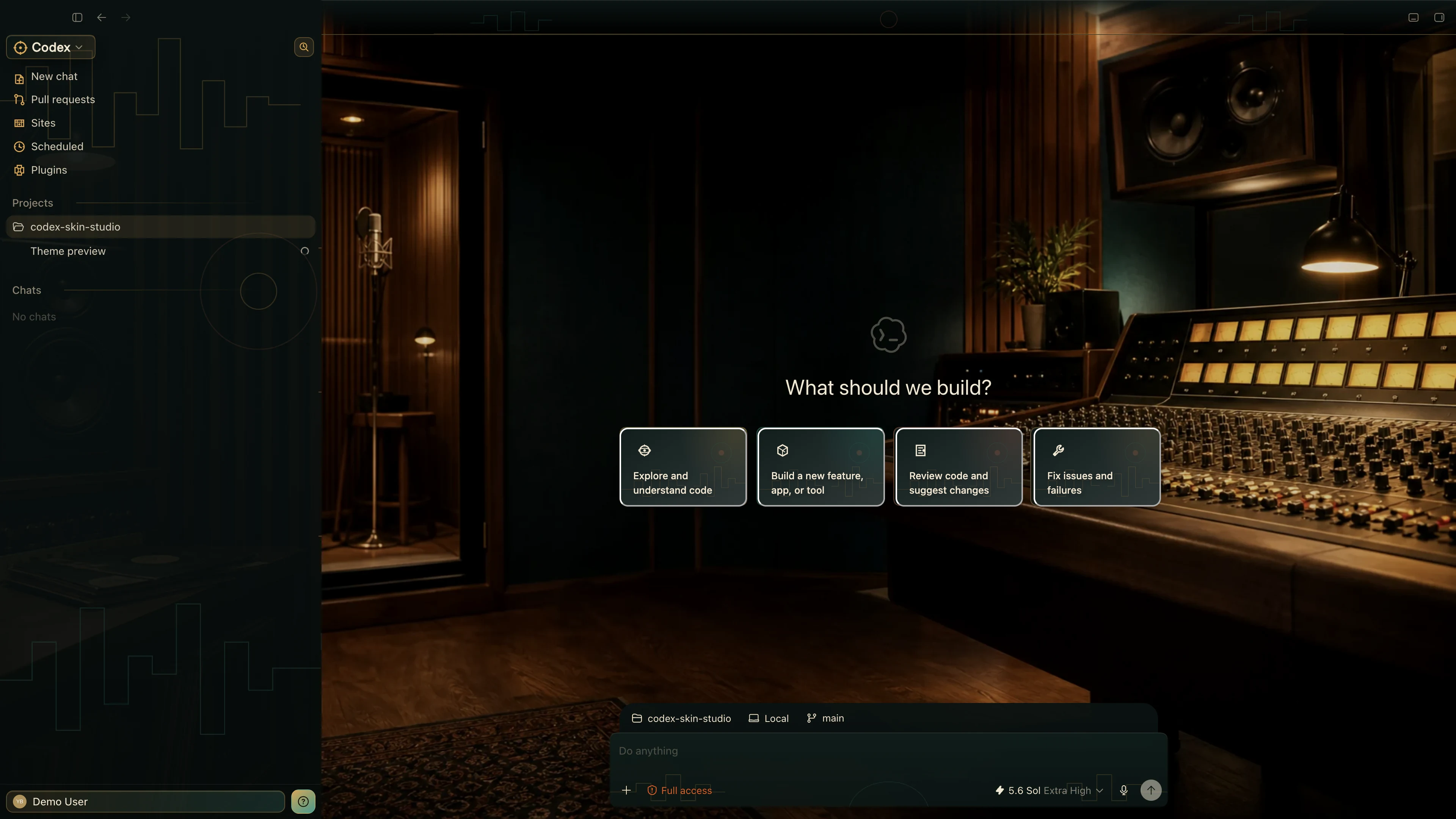
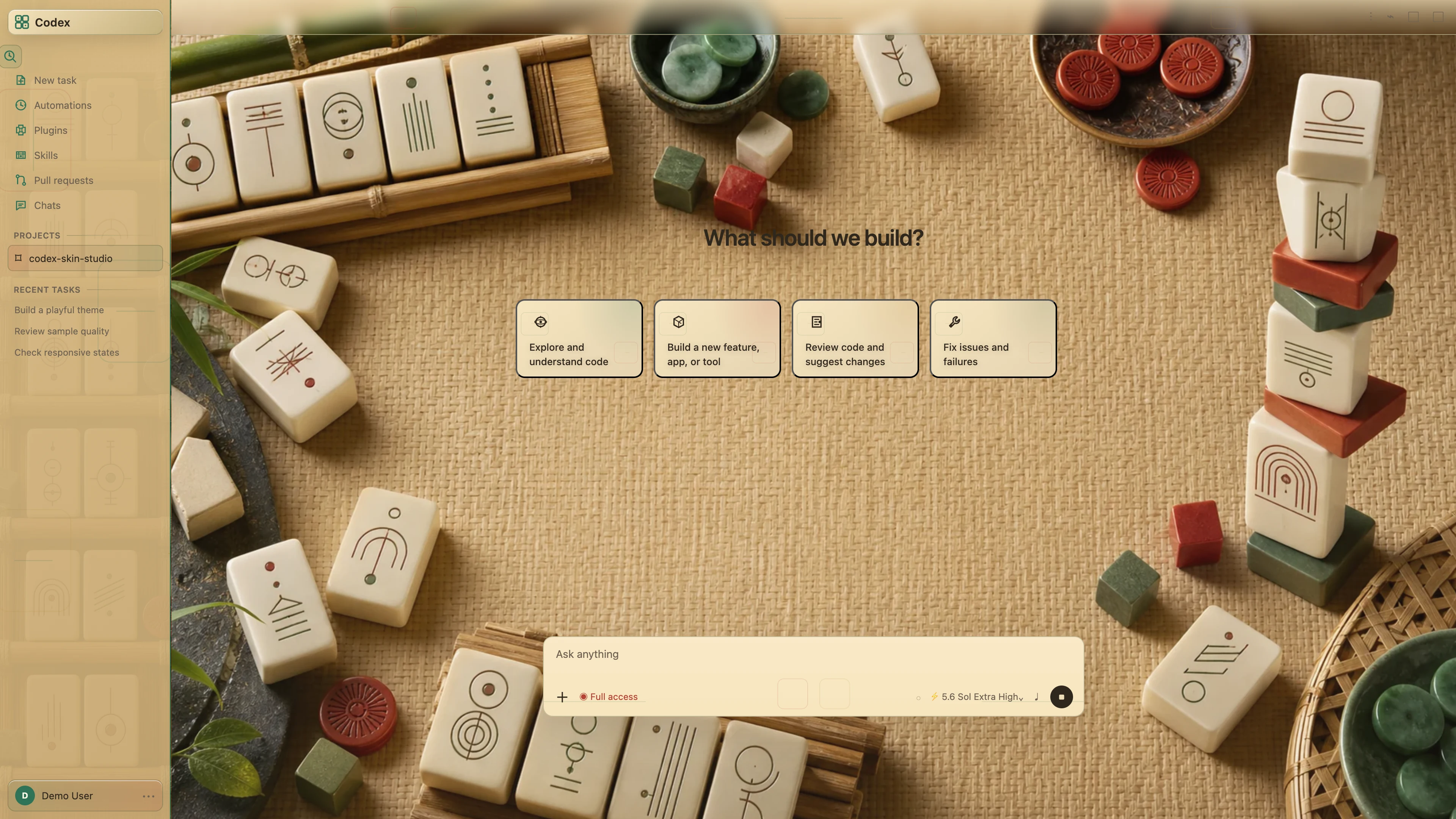
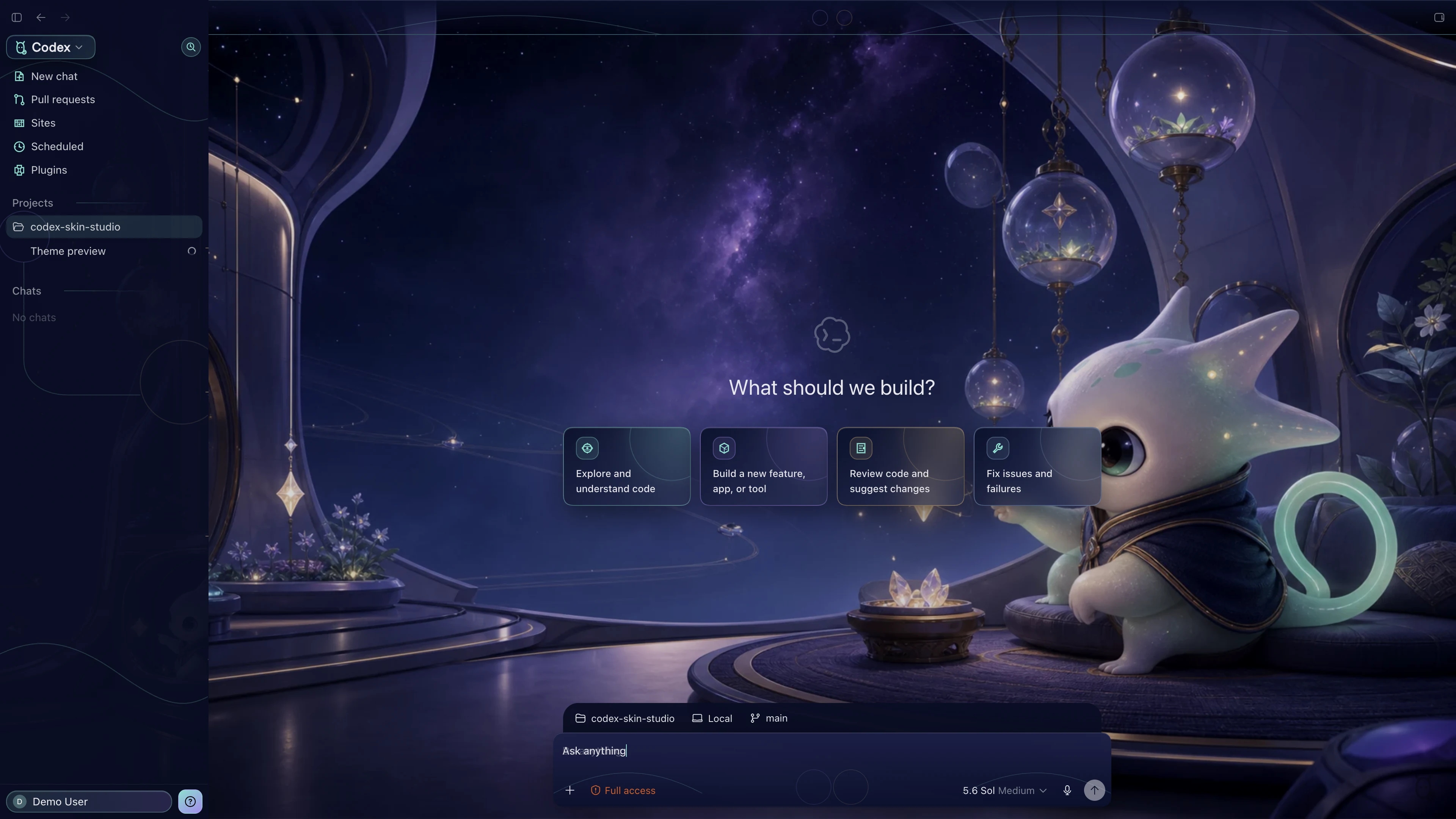
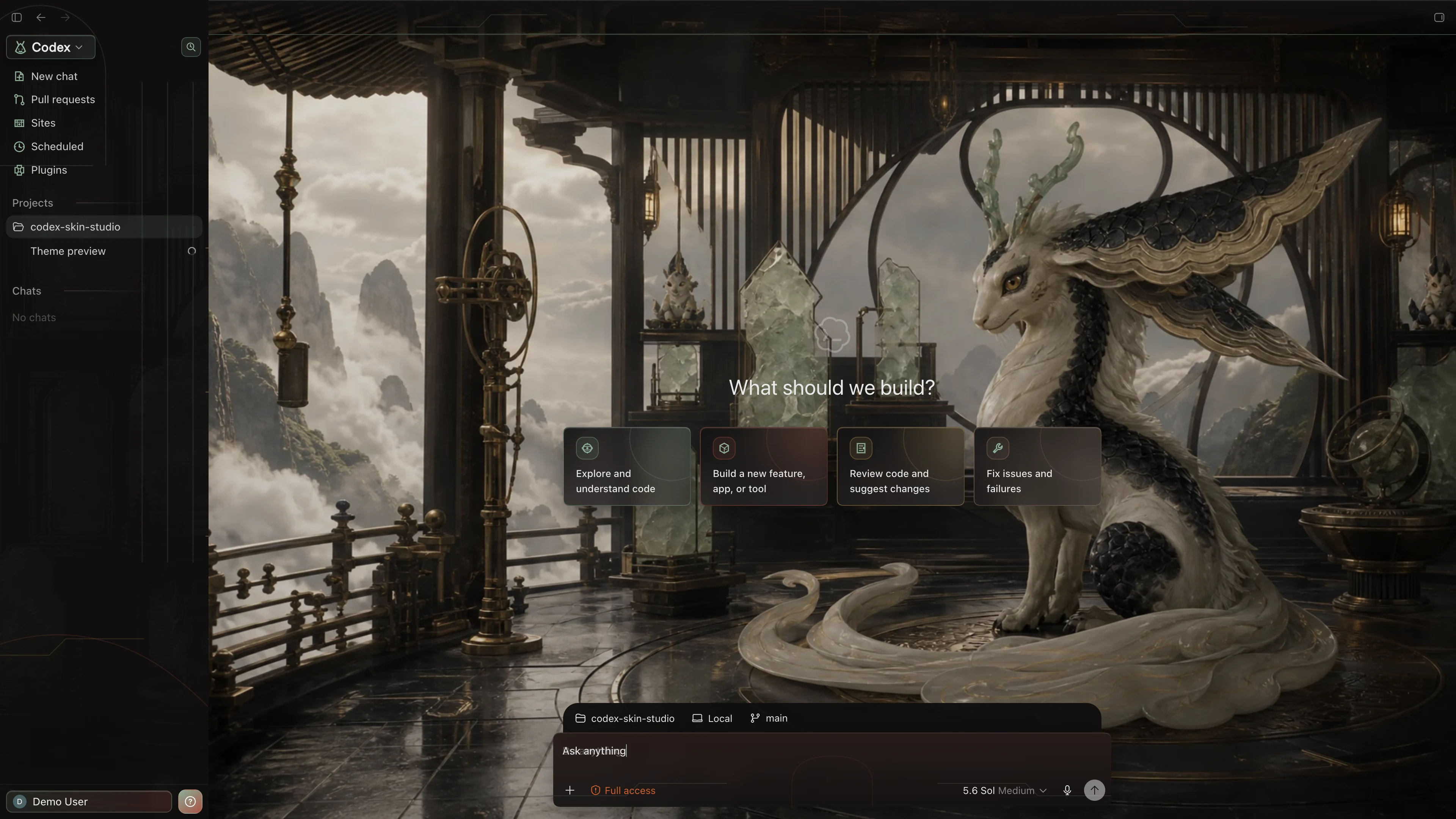
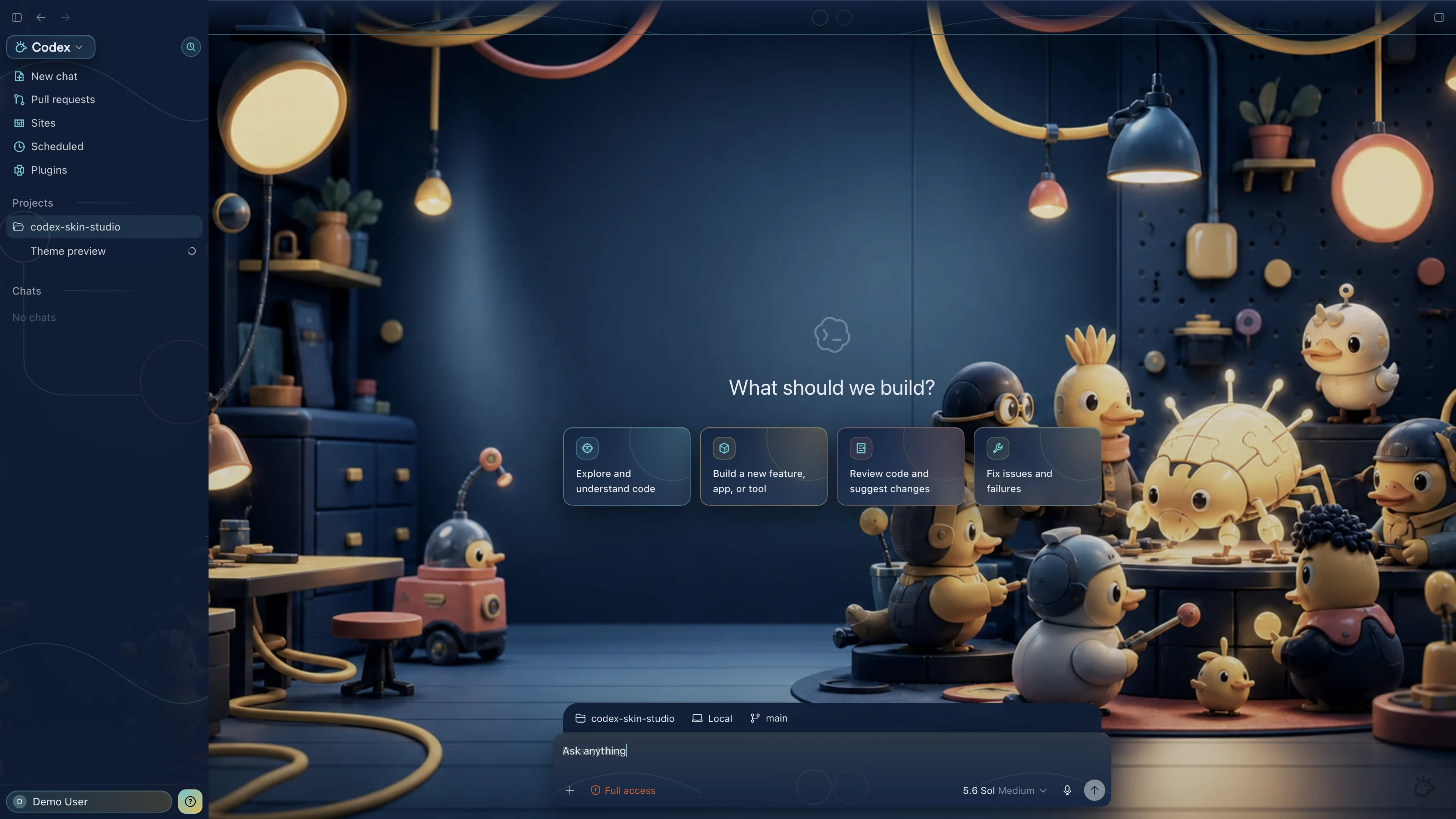
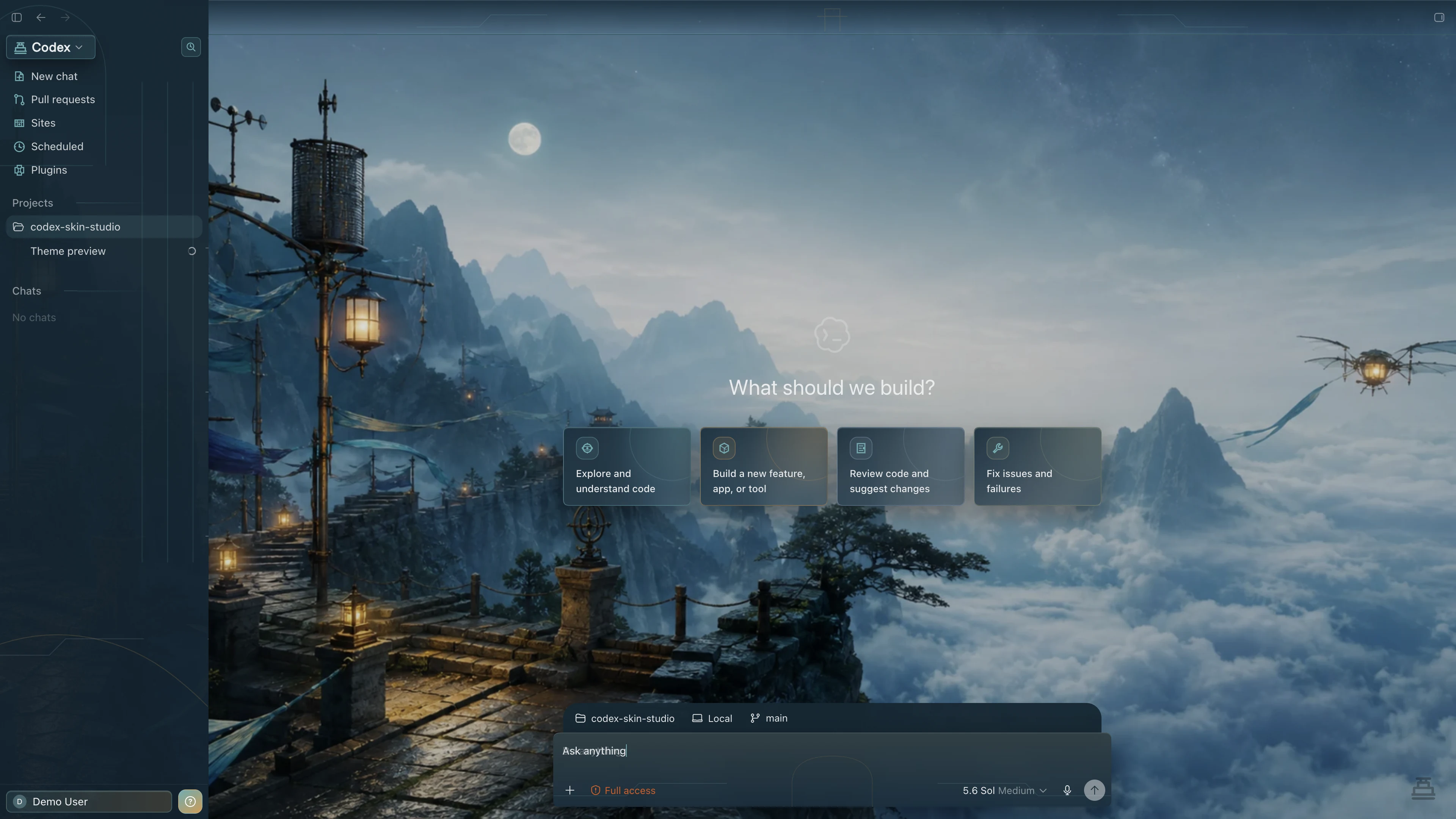
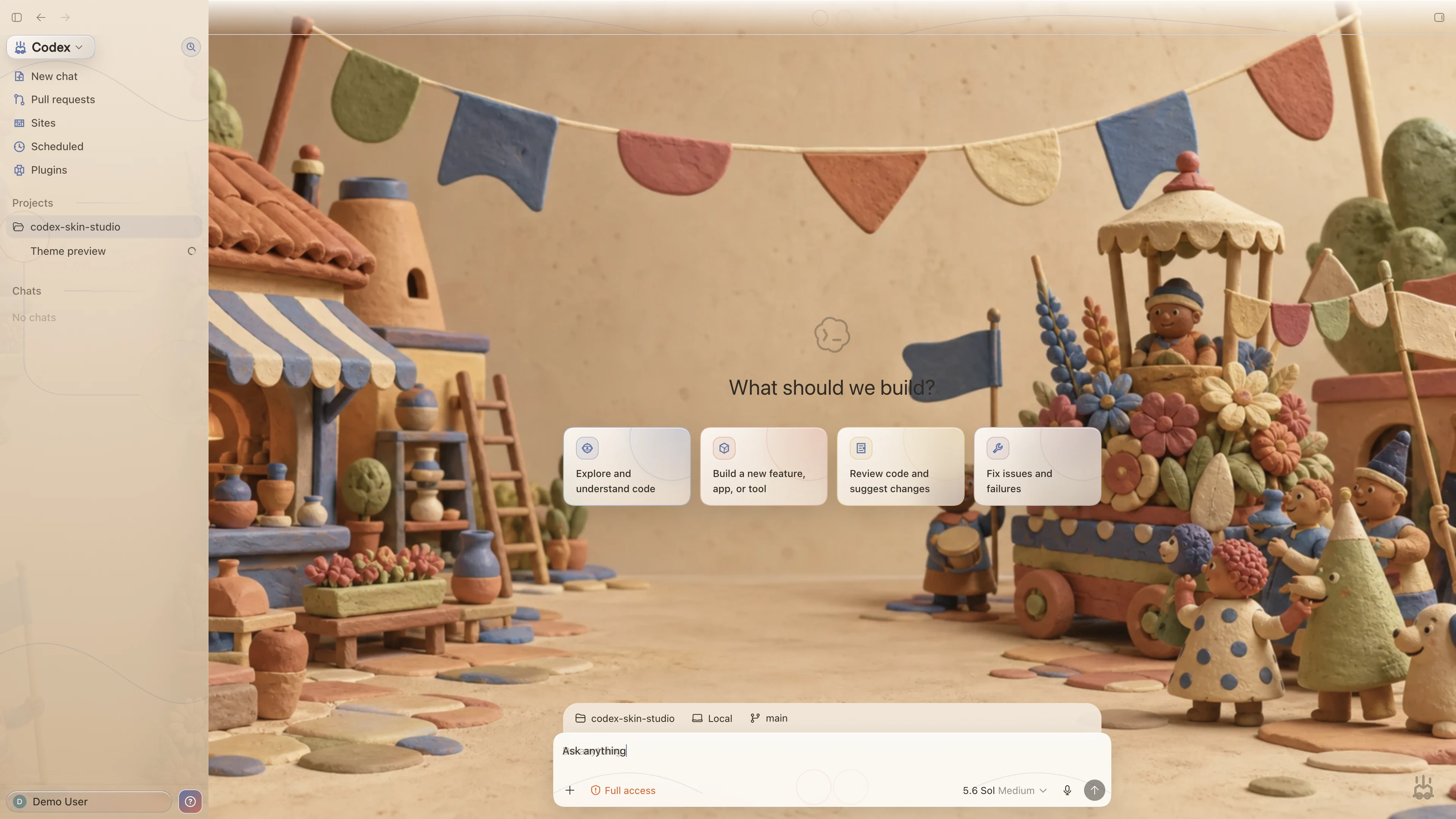
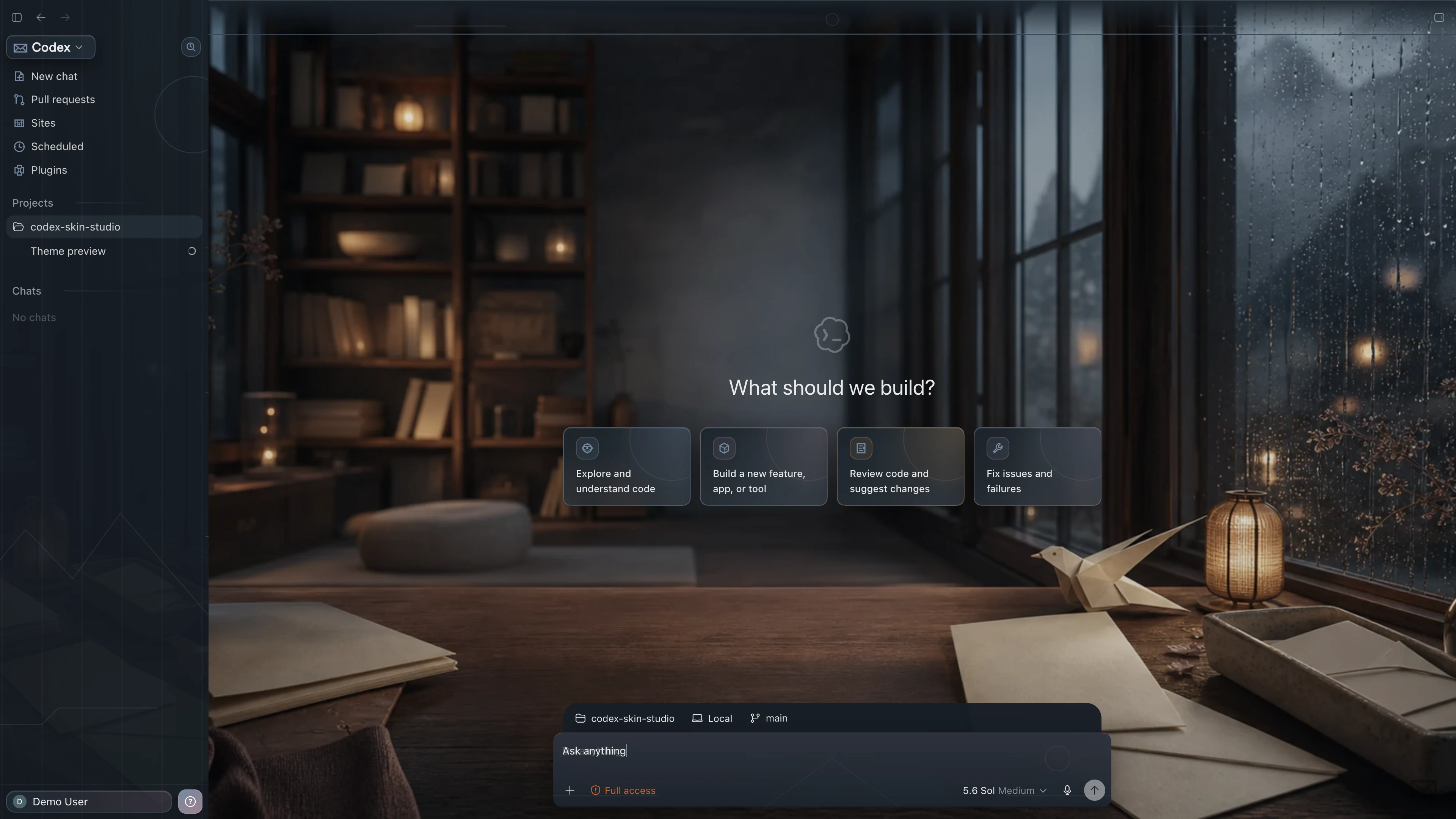
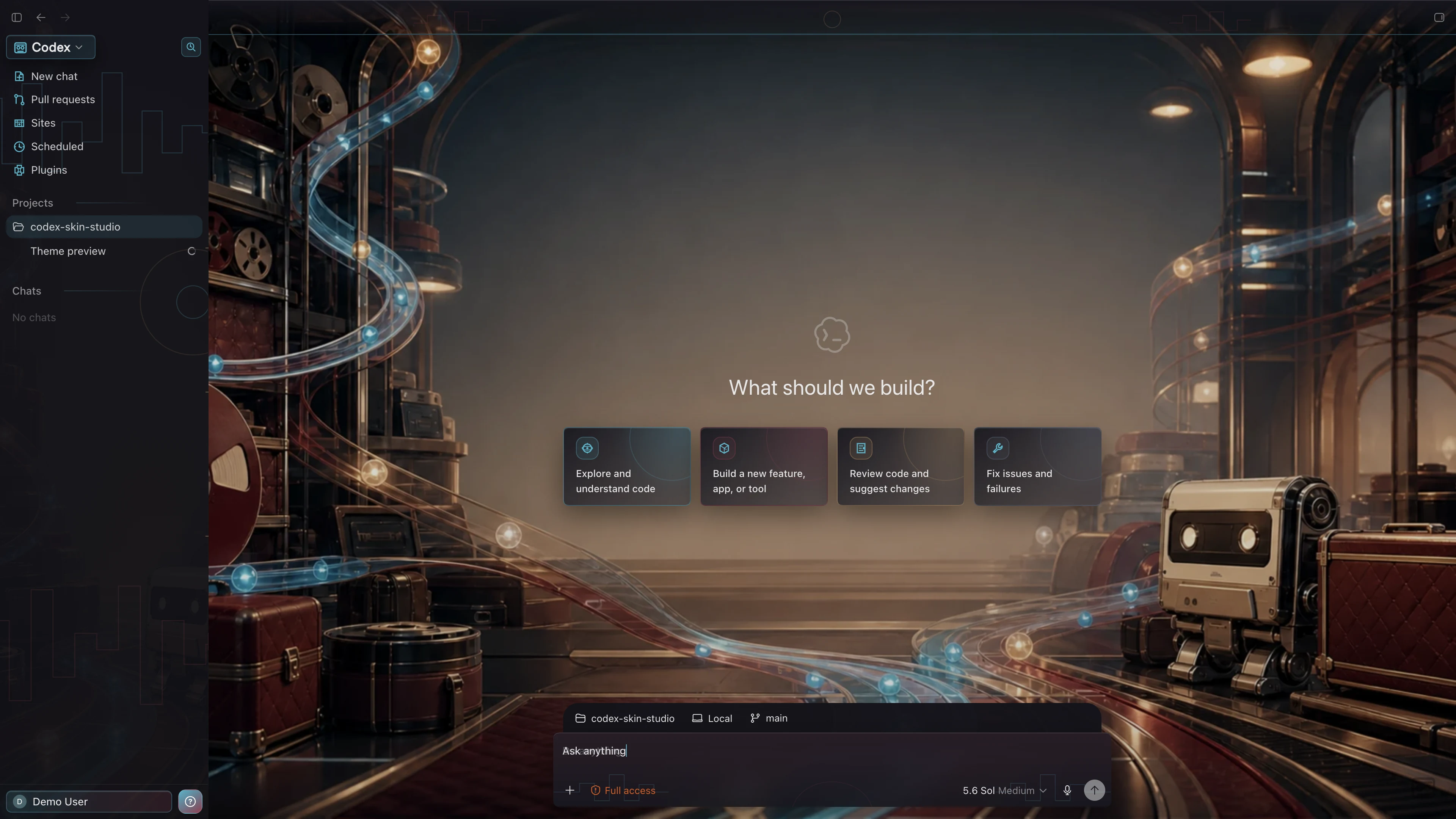
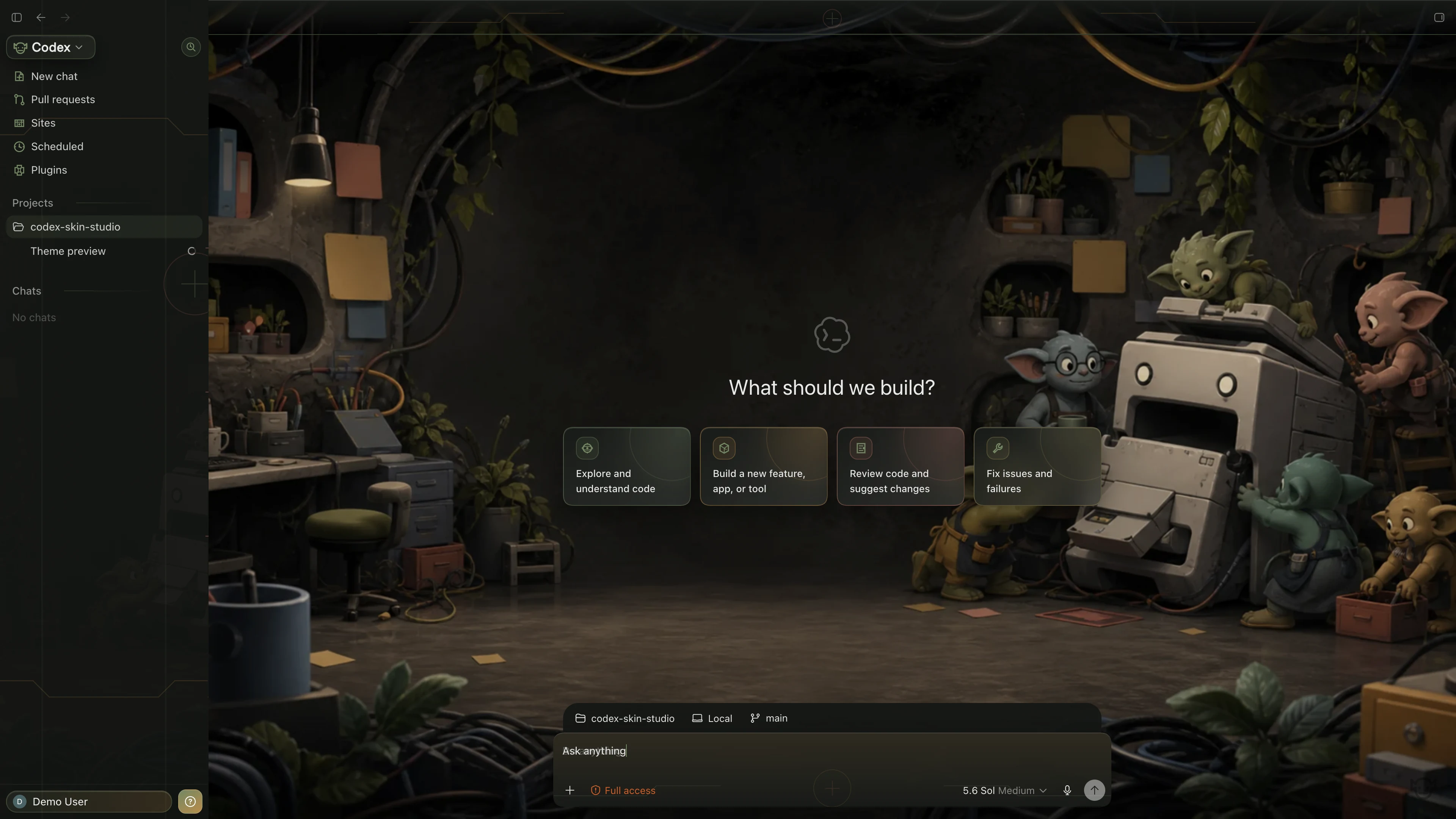
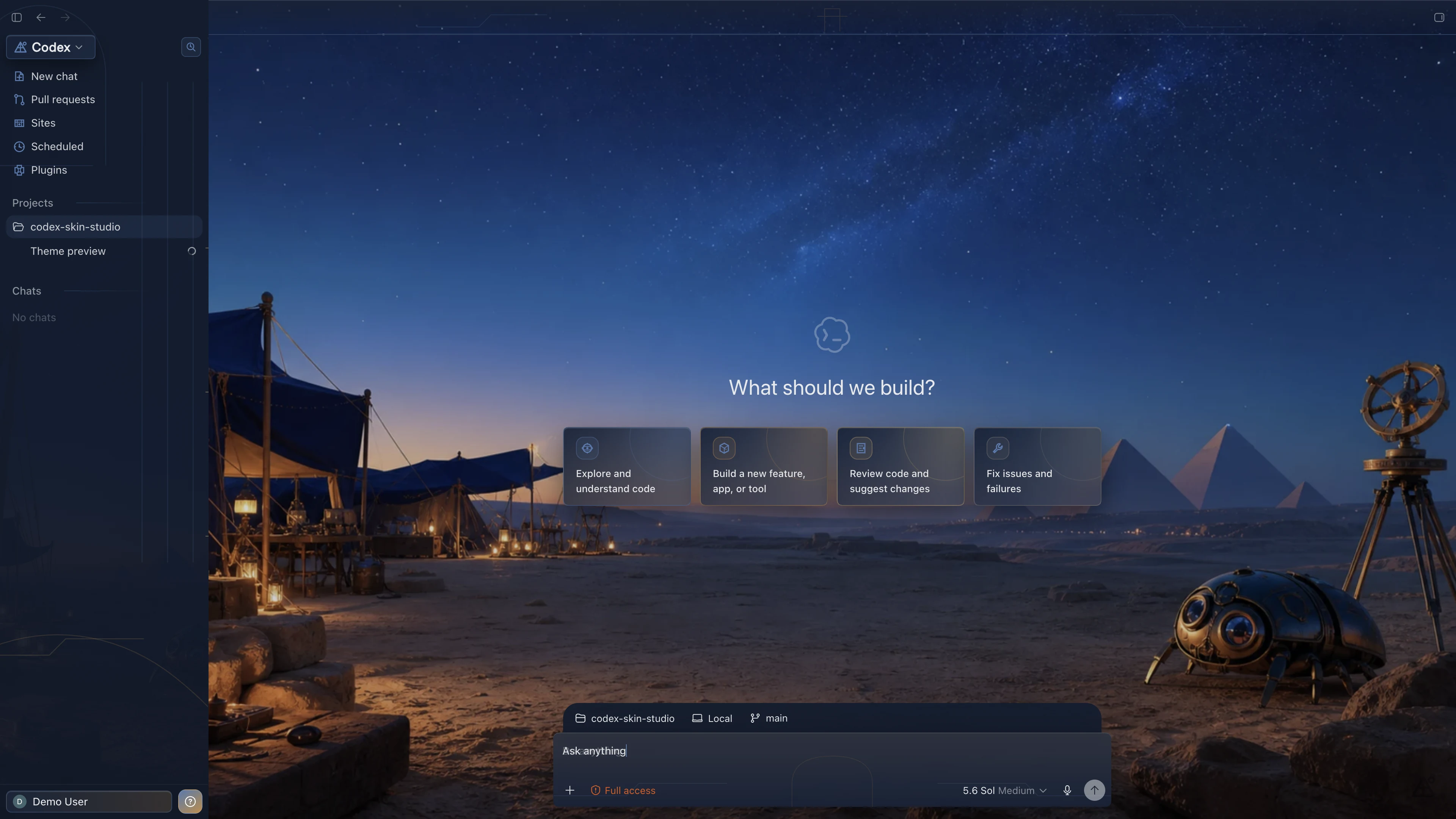
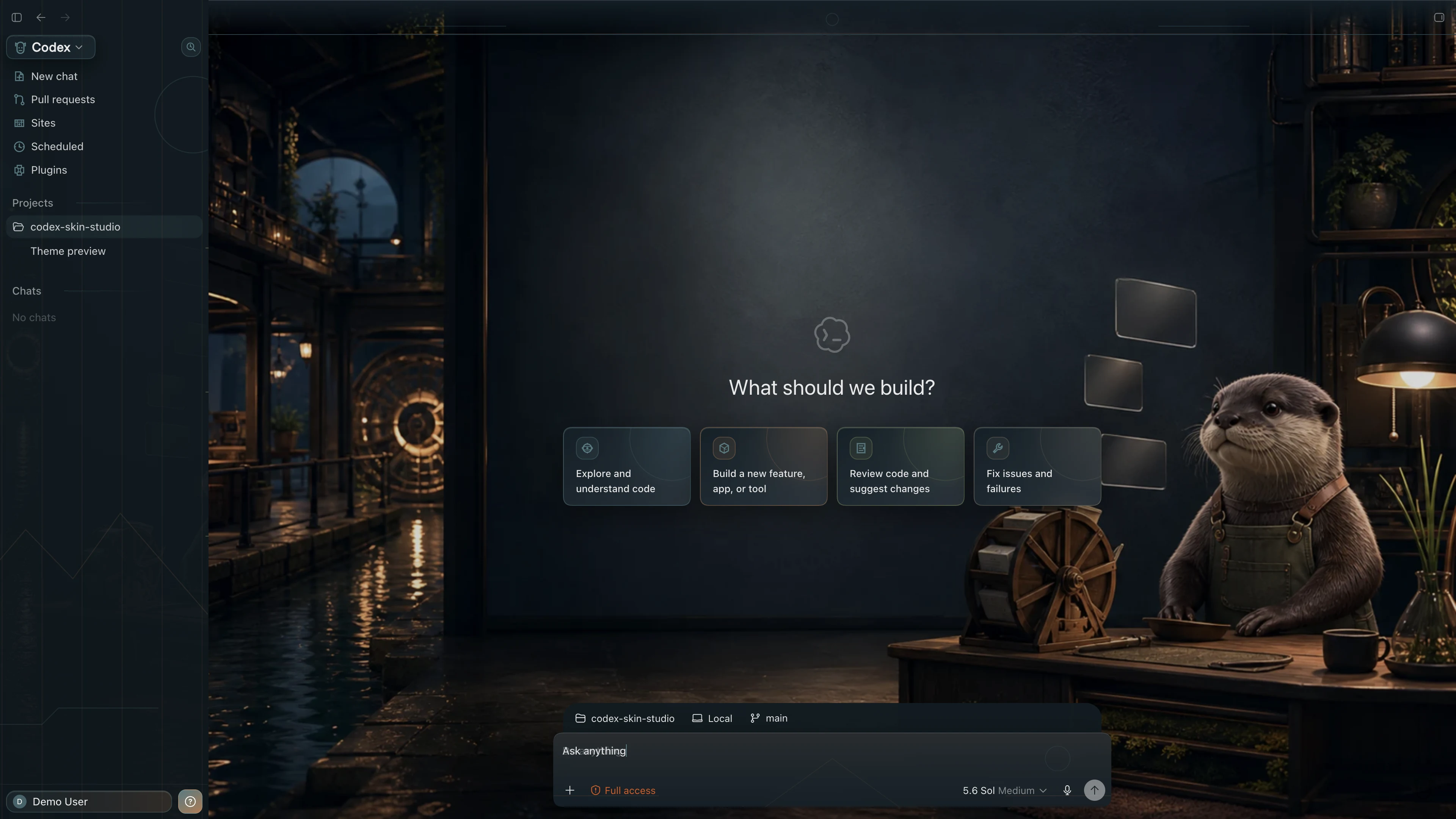
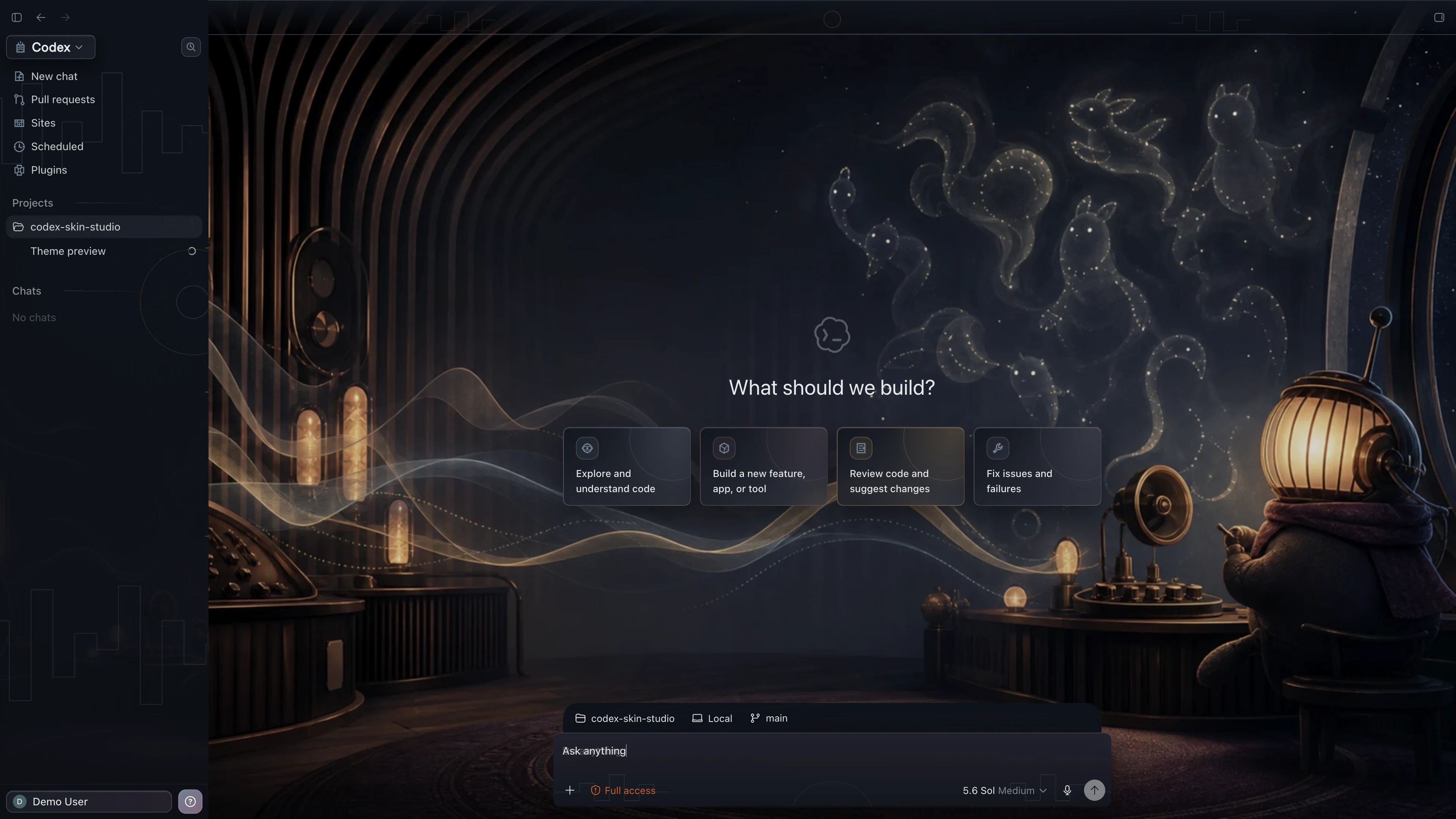
Explore a growing library of original Codex skins and themes, each tested across real Codex screens. Apply one directly with Codex—or install the App to switch themes and restore the official look in one click.
Collection 01
Verified skins & themes
A growing collectionTry without the AppOpen a prepared theme request in a new Codex task, then send it to apply the theme.
- Choose a theme
- Open in Codex
- Send and apply
41 themes shown
Mythology & Local Culture
DarkFuture & Technology
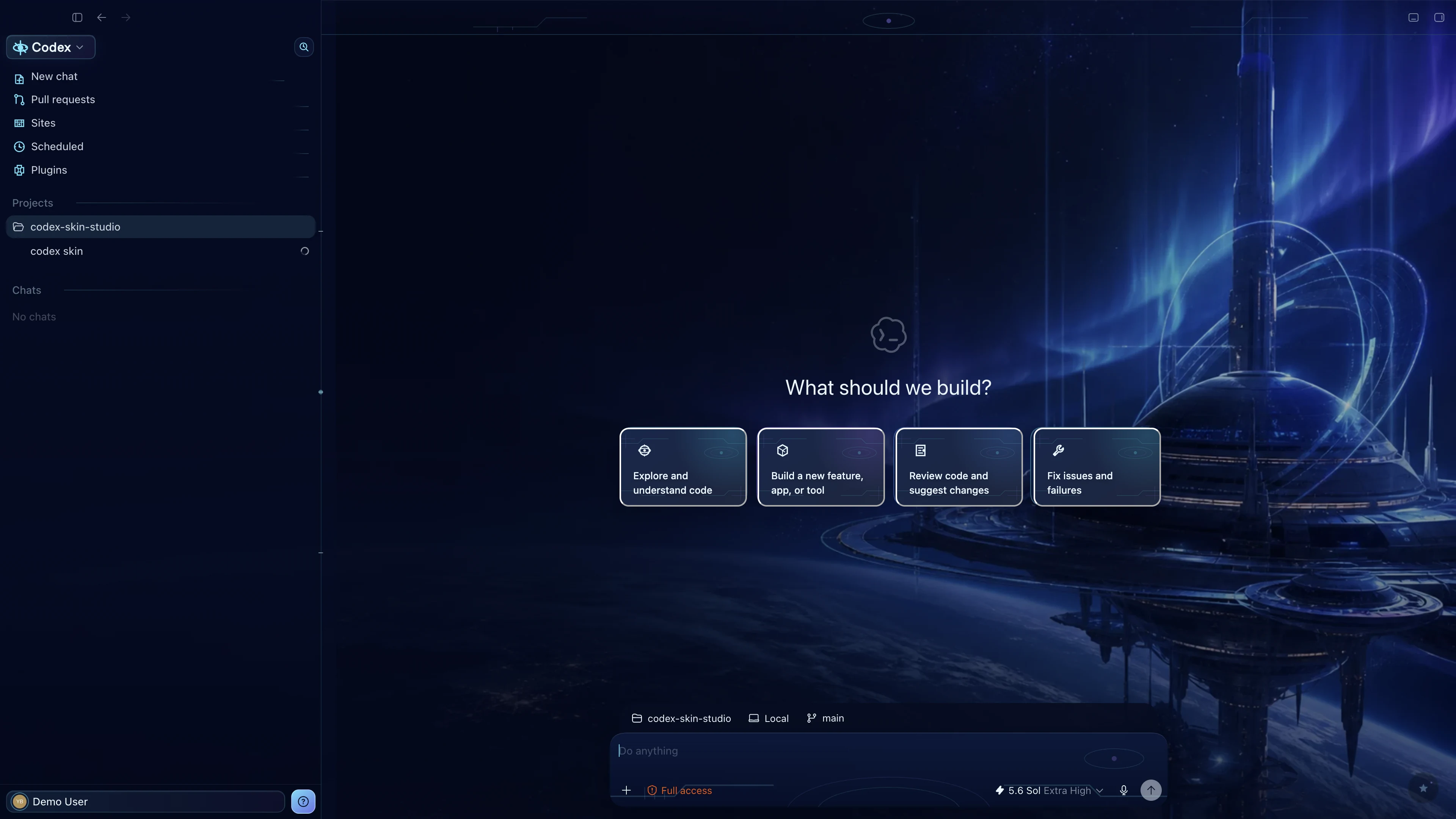 Dark
DarkComfort & Everyday Life
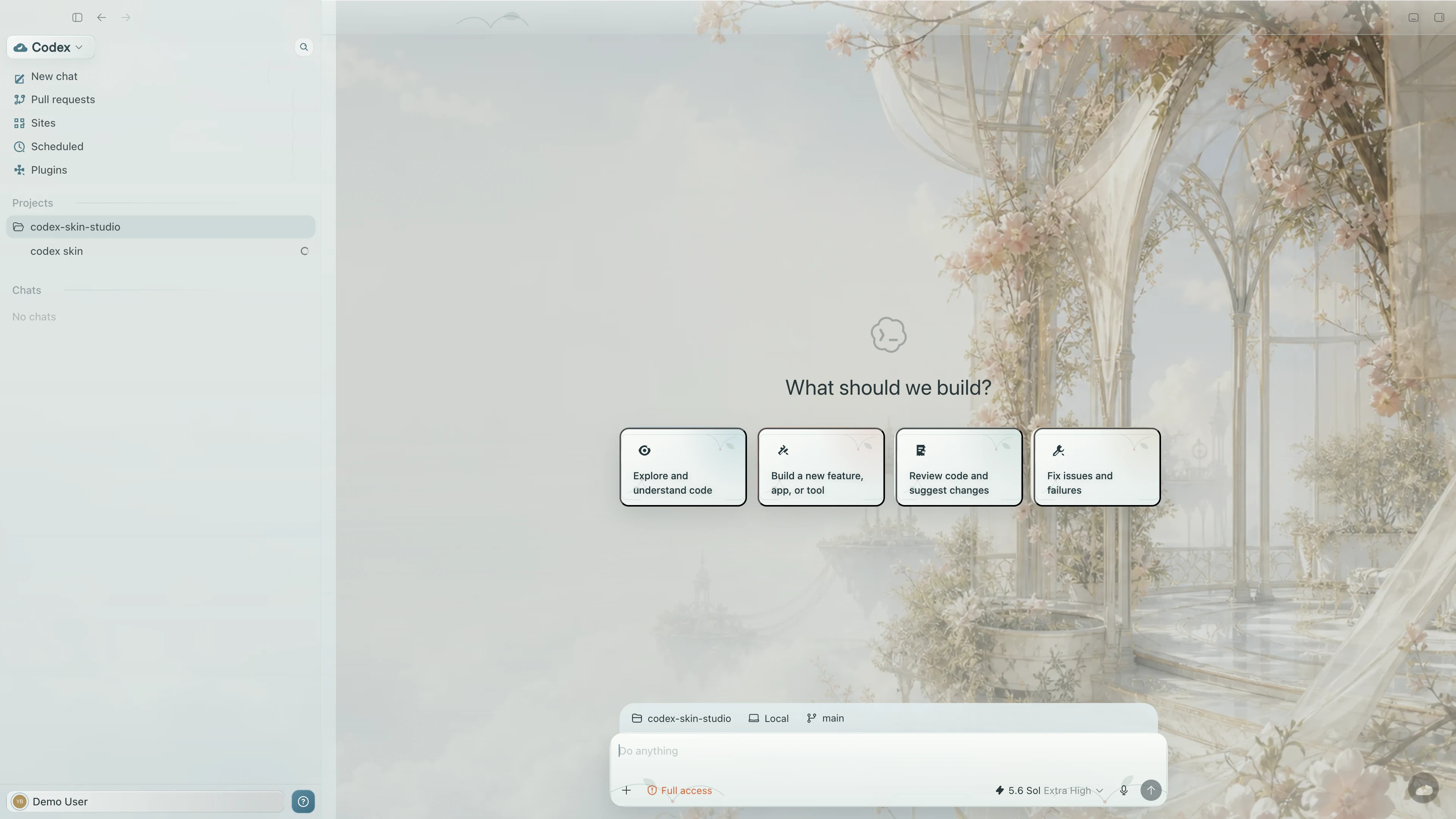 Light
LightDark & Whimsical
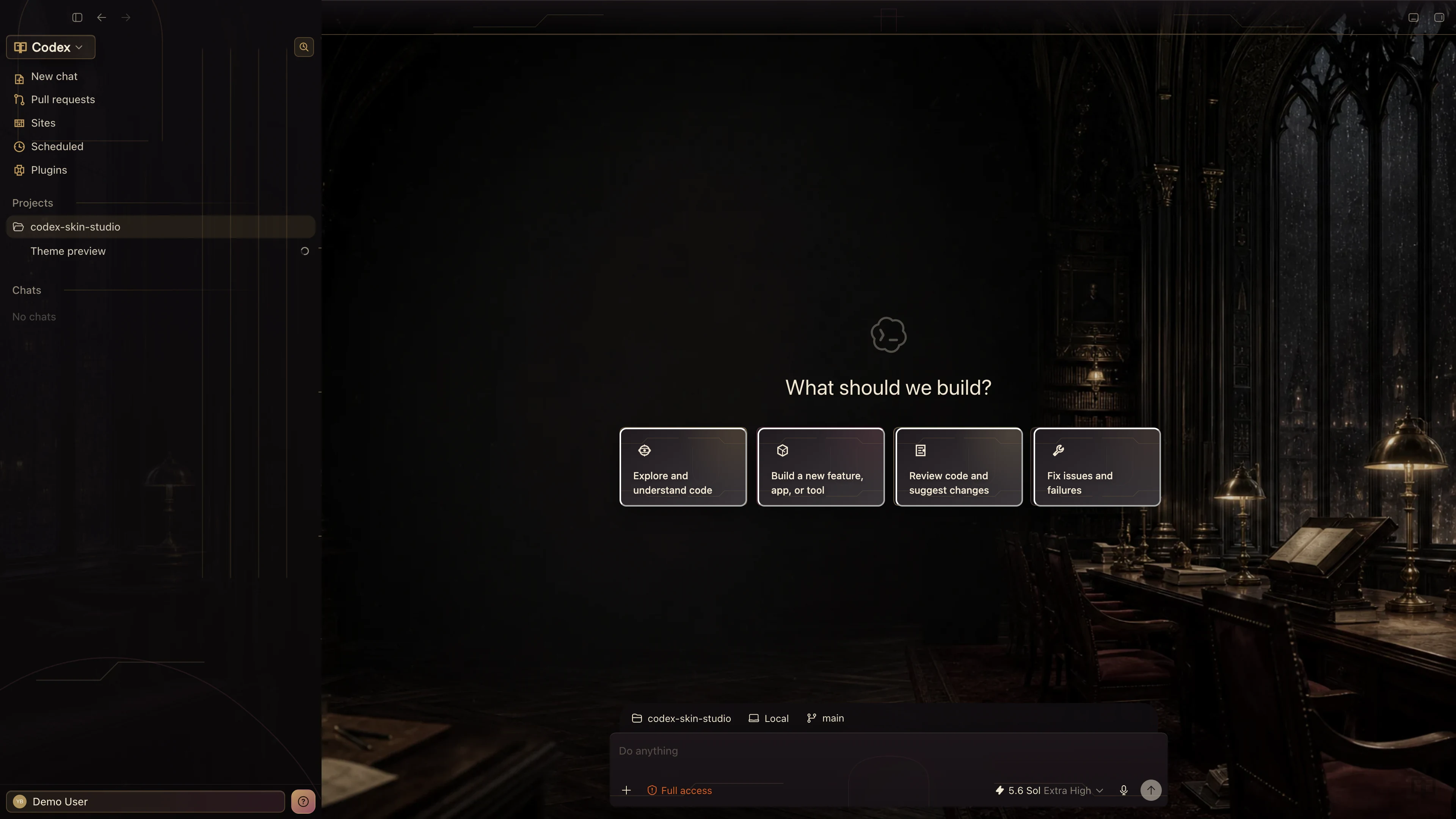 Dark
DarkComfort & Everyday Life
 Light
LightNostalgia & Retro Tech
 Dark
DarkComfort & Everyday Life
 Light
LightNostalgia & Retro Tech
 Dark
DarkGames & Adventure
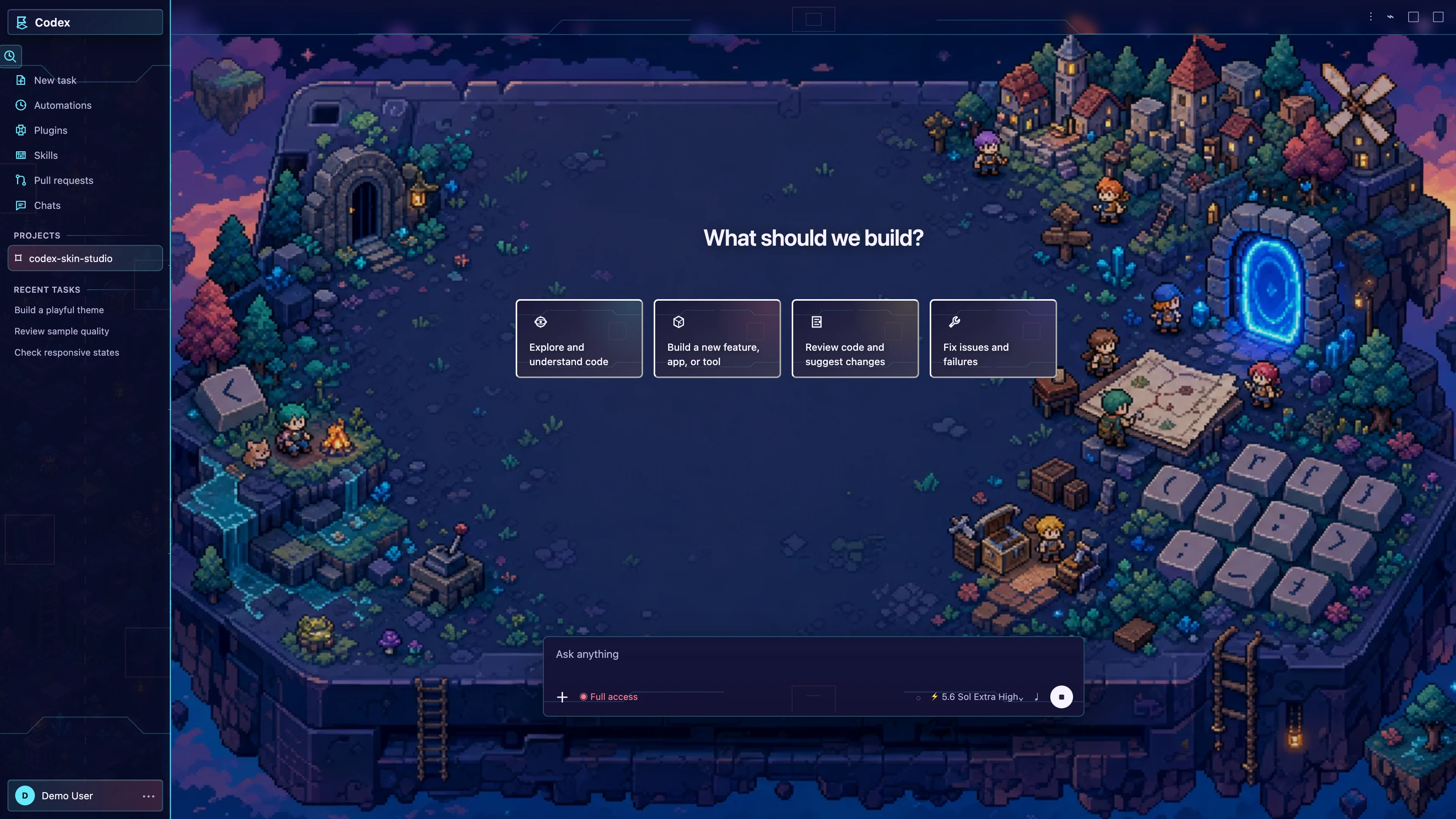 Dark
DarkCharacters & Companions
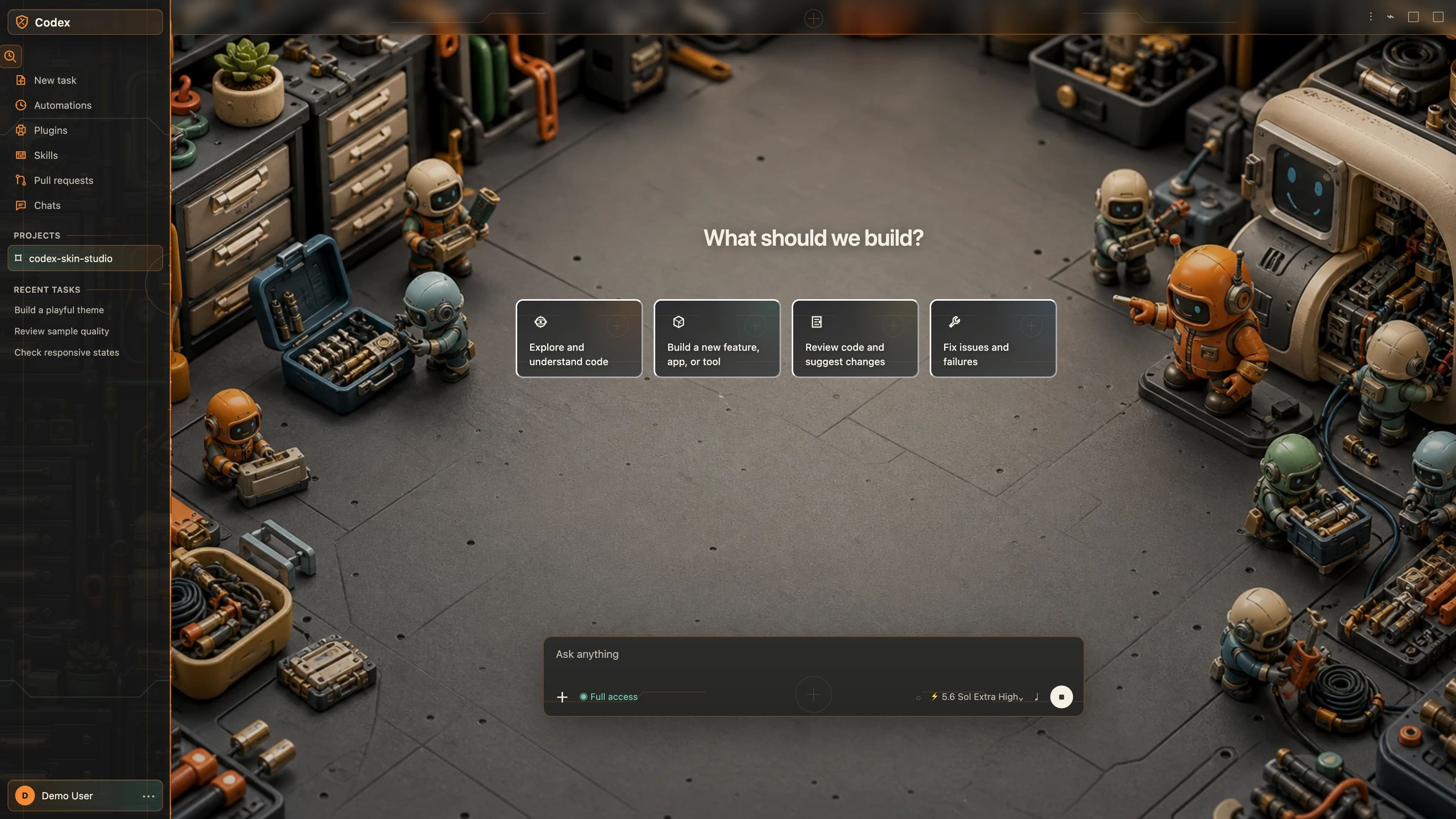 Dark
Dark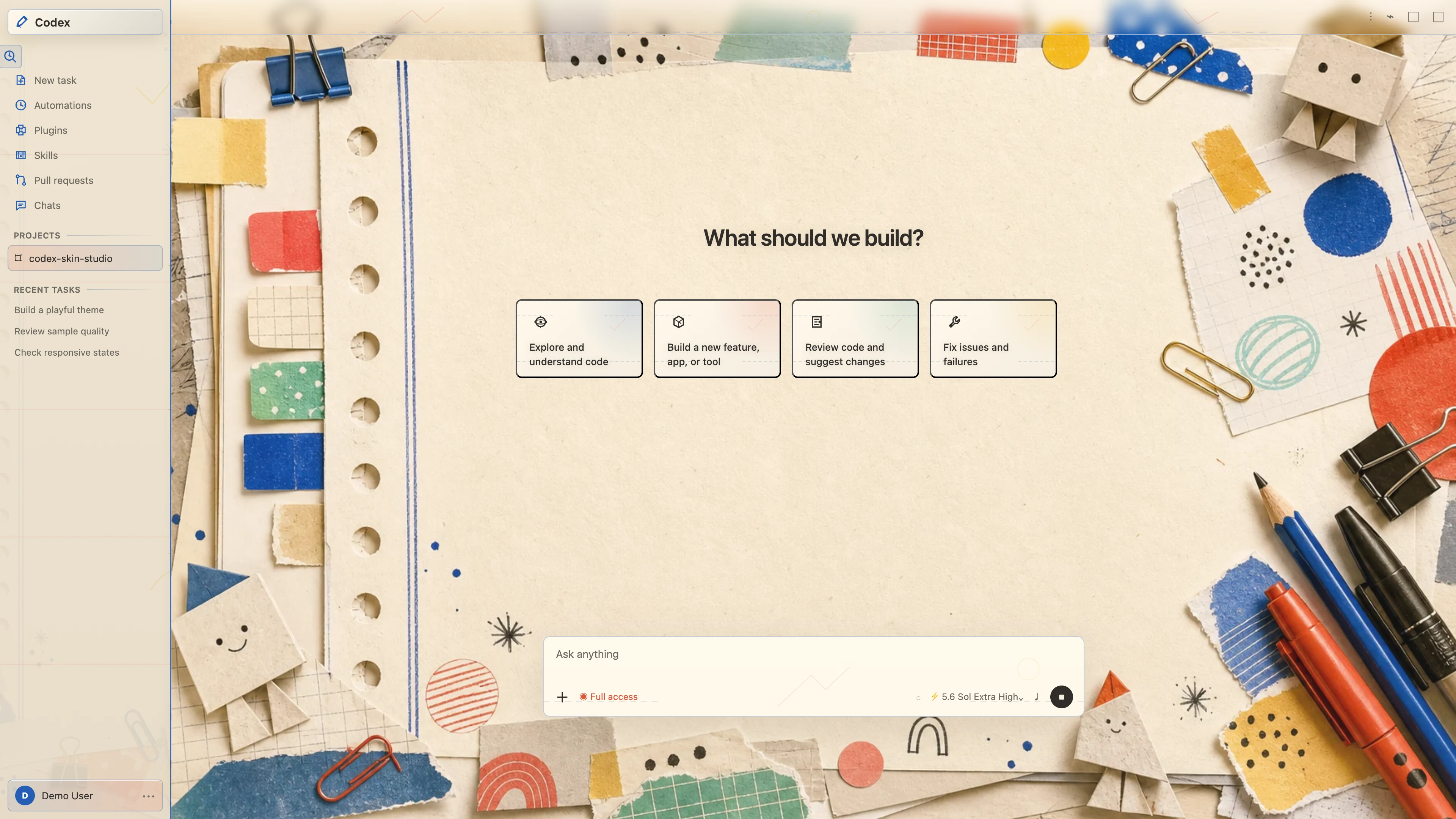
Future & Technology
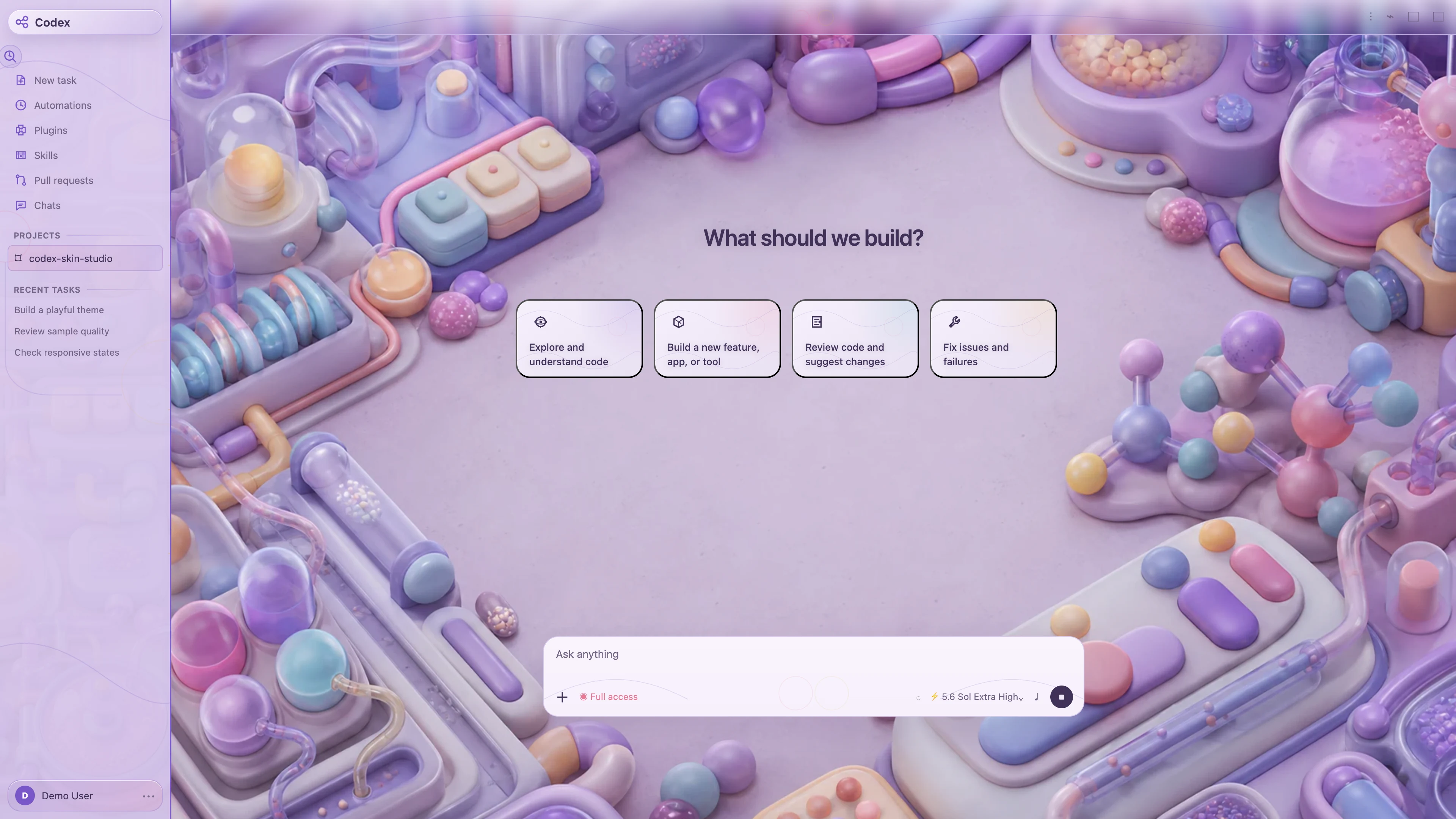 Light
Light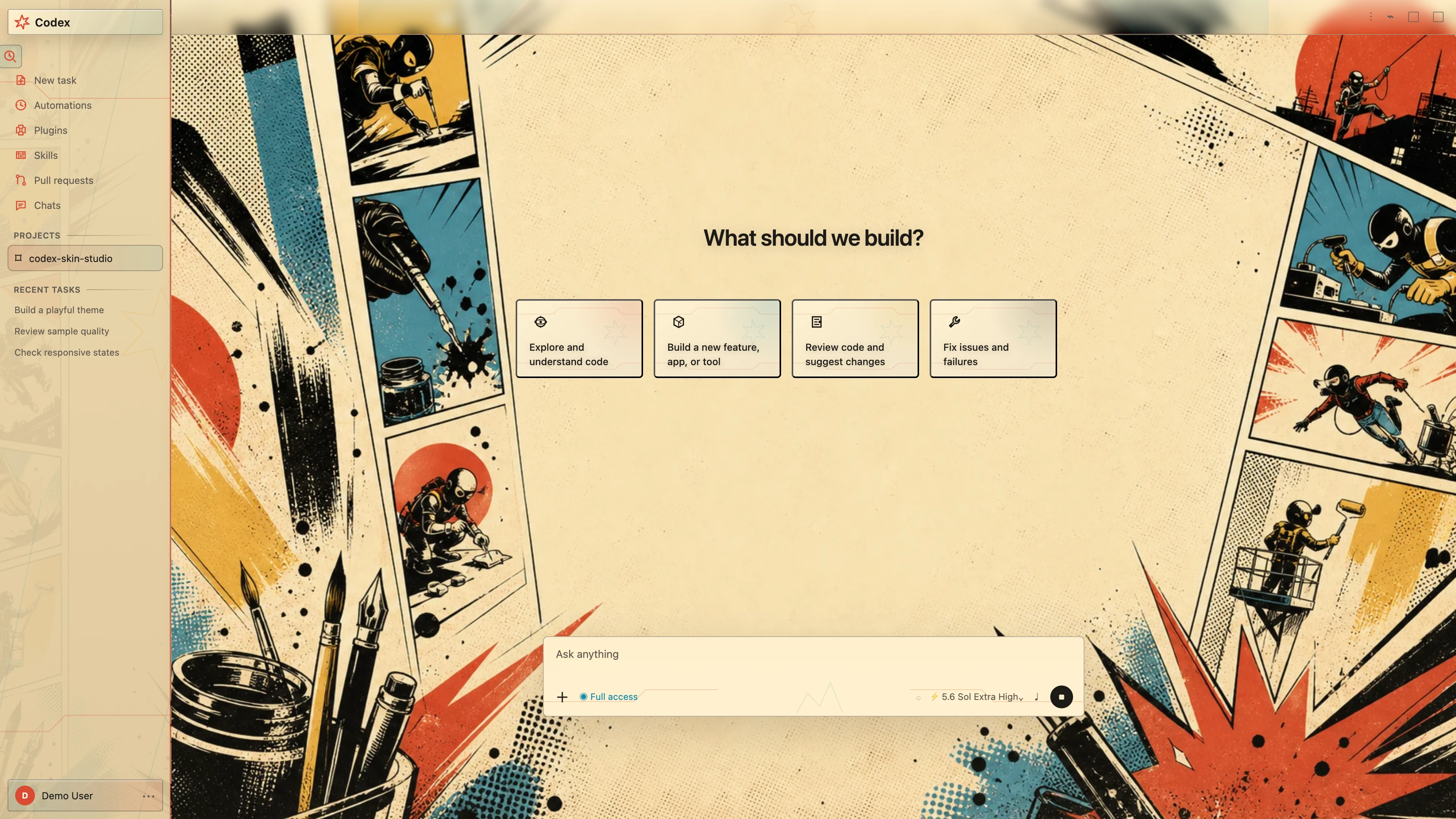
Mythology & Local Culture
 Light
LightCharacters & Companions
 Dark
DarkGames & Adventure
 Dark
DarkMythology & Local Culture
 Dark
DarkFuture & Technology
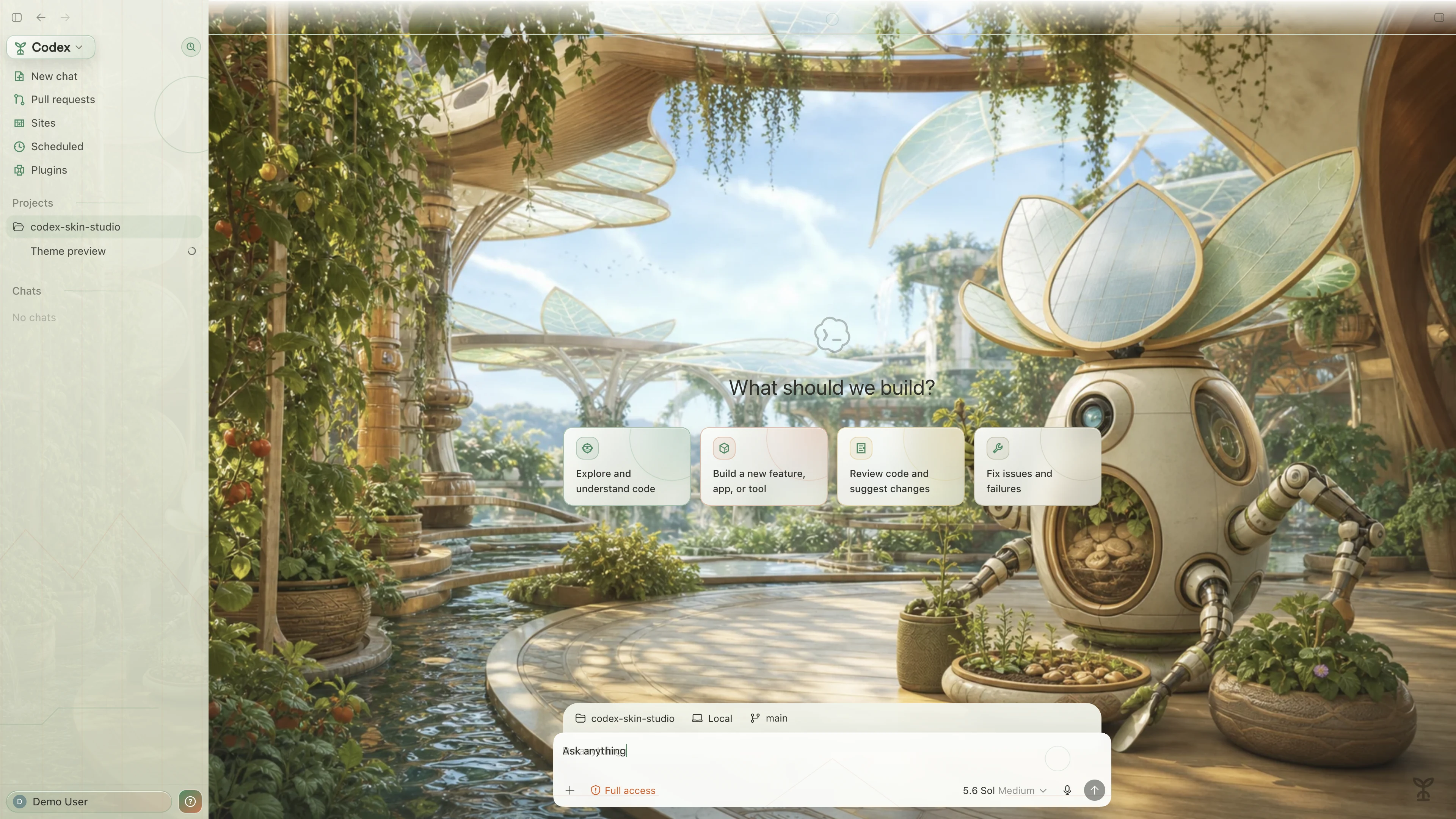 Light
Light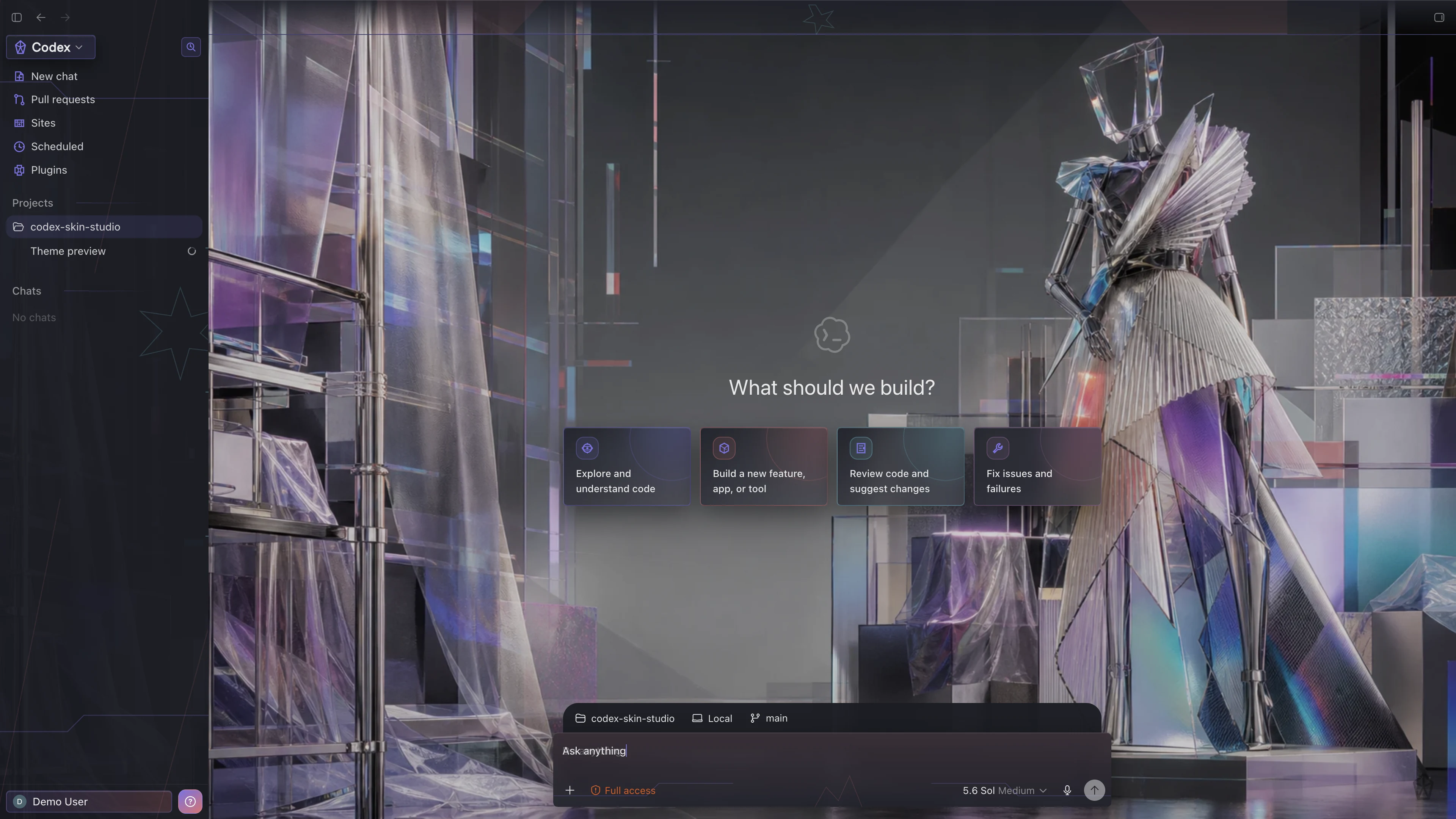
Comfort & Everyday Life
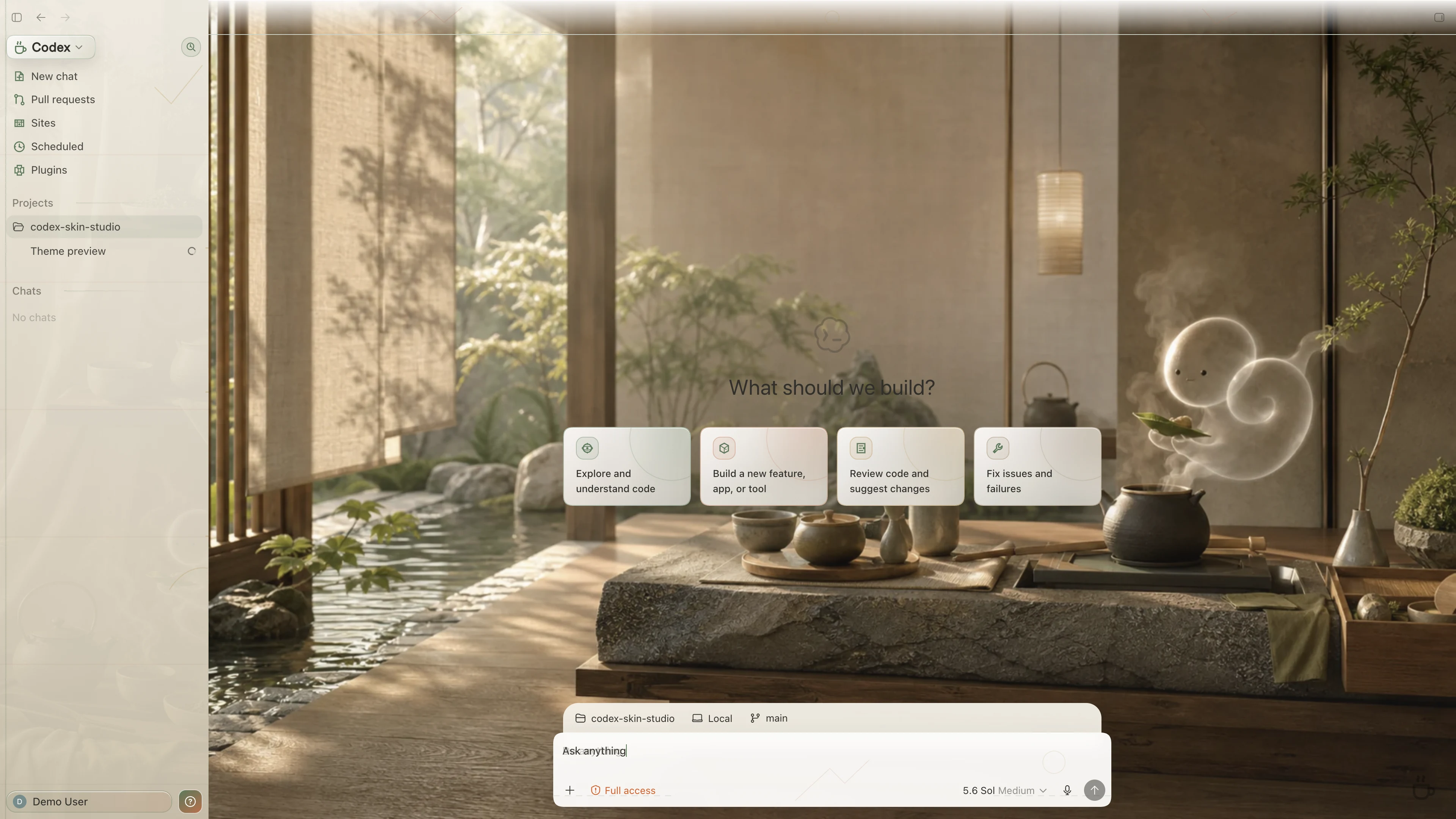 Light
LightNostalgia & Retro Tech
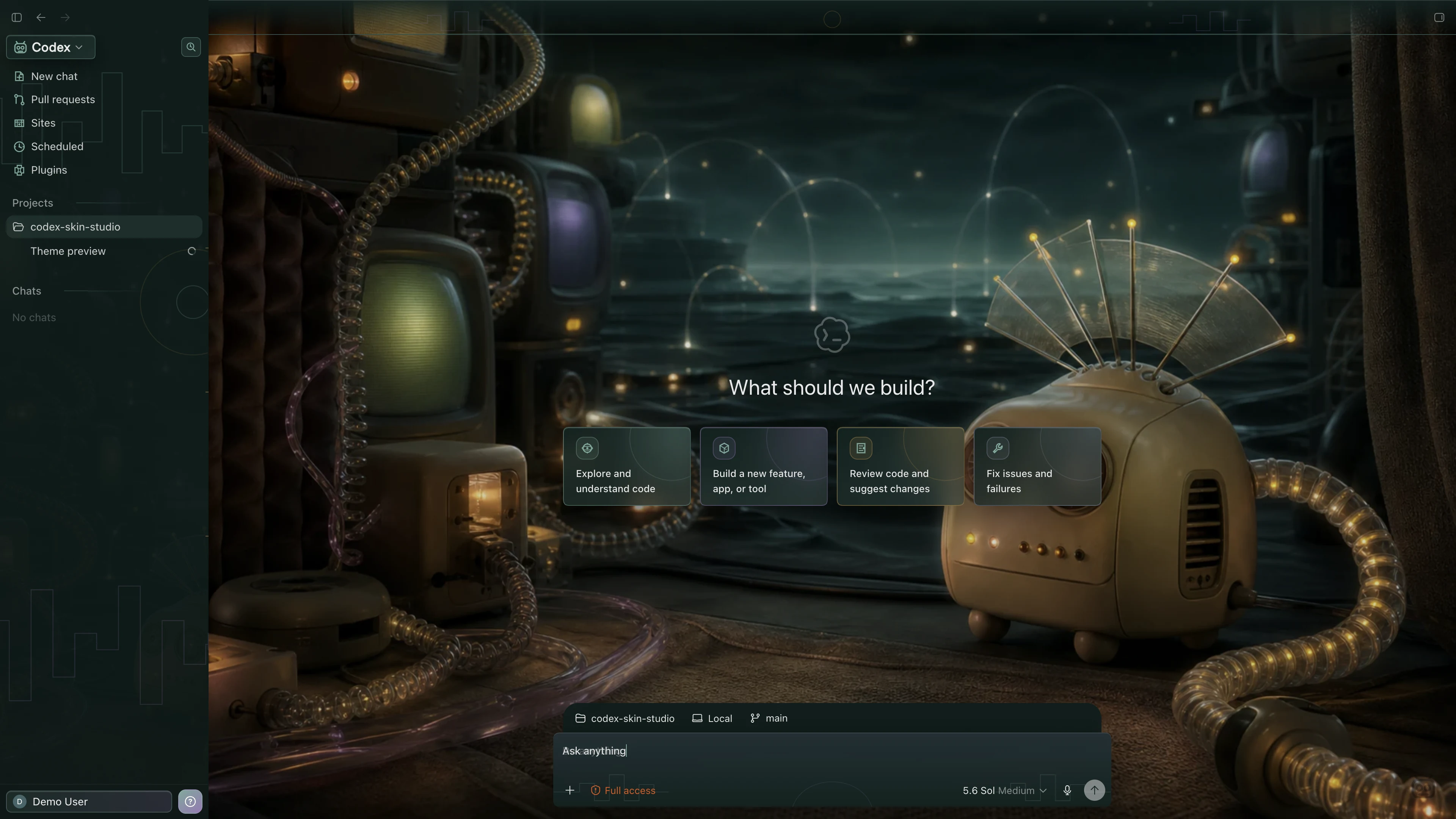 Dark
Dark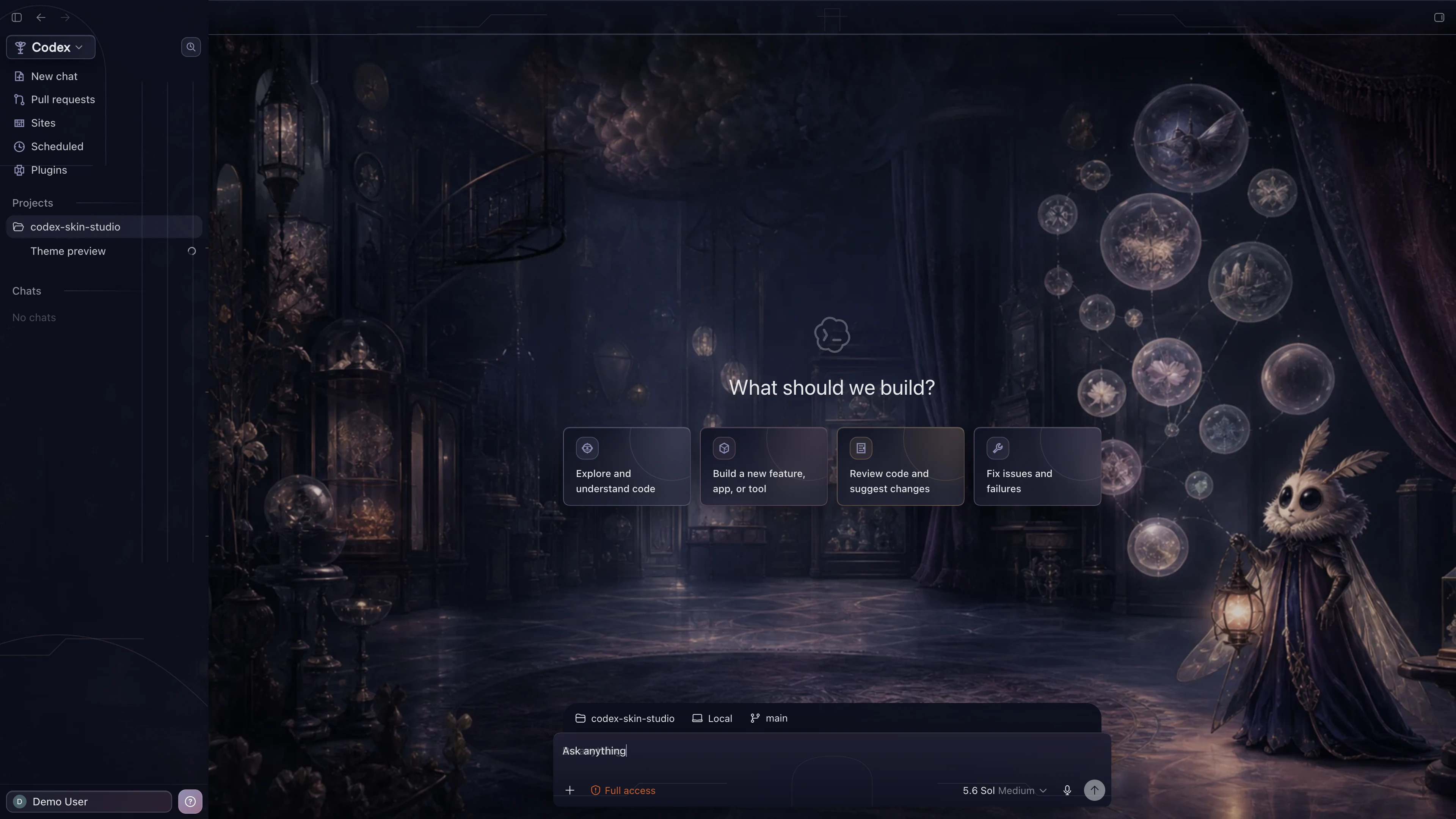
Developer Culture & Humor
 Dark
DarkWorld Travel & Landmarks
 Dark
DarkCharacters & Companions
 Light
LightGames & Adventure
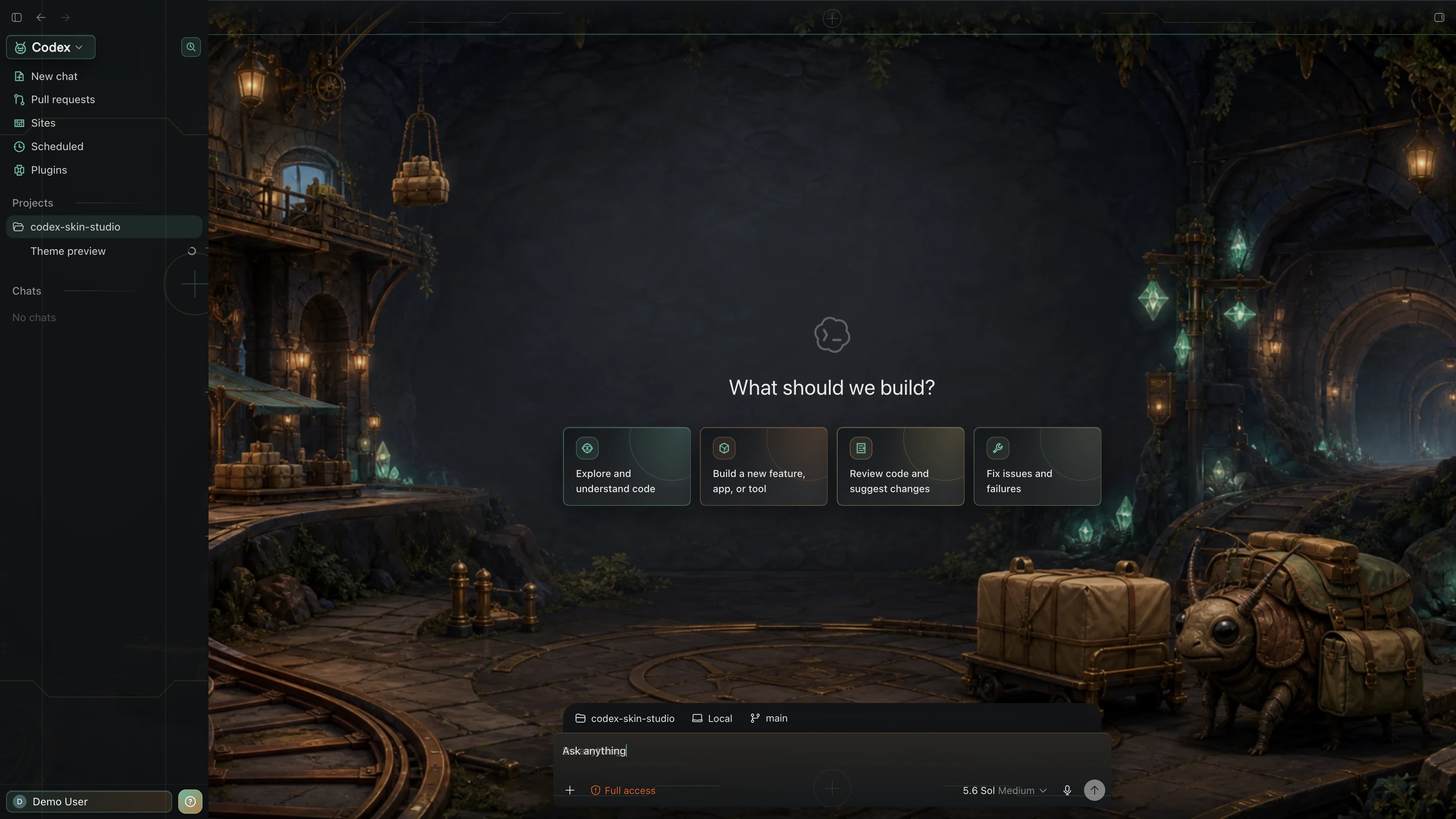 Dark
DarkMythology & Local Culture
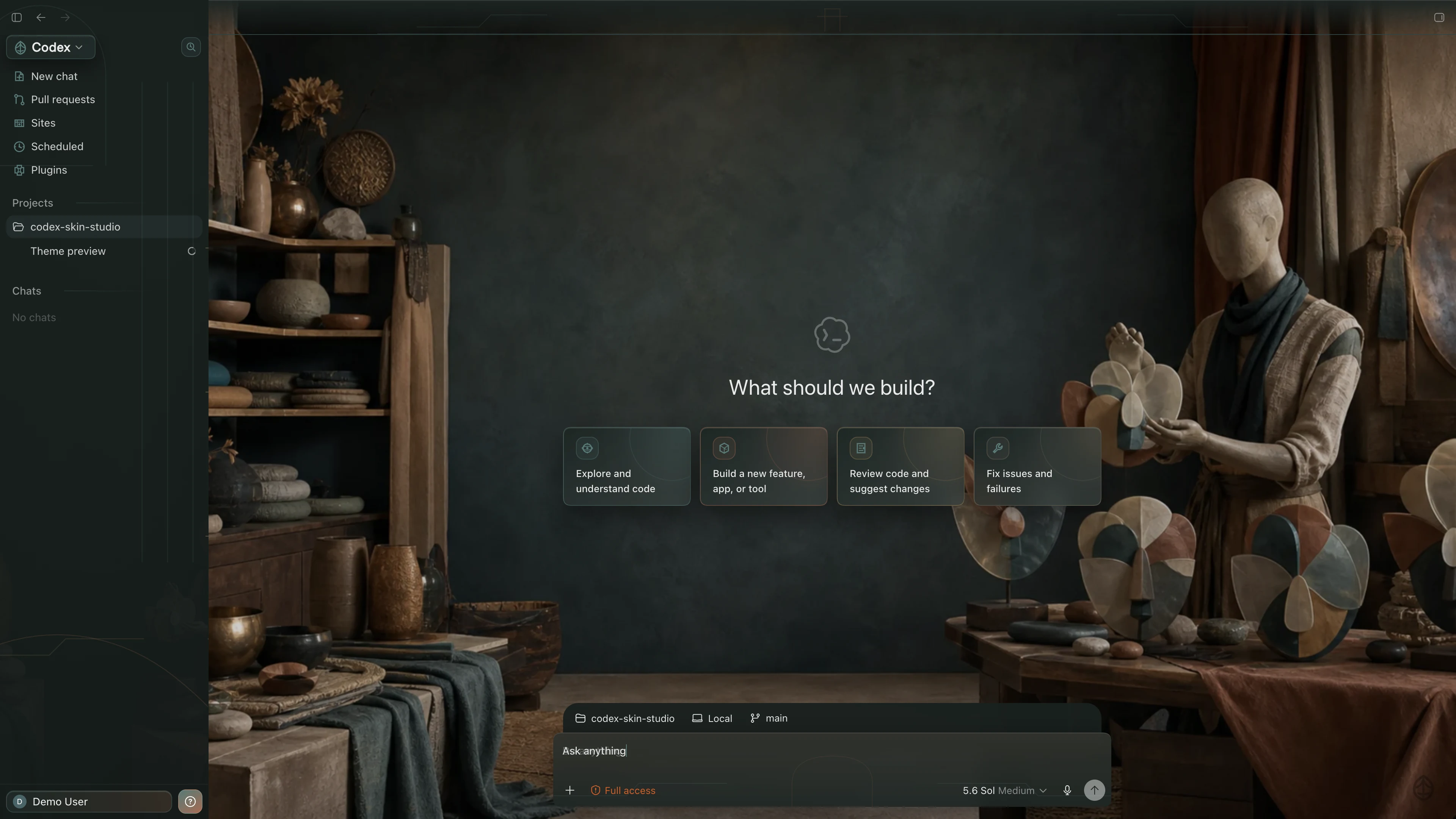 Dark
DarkFuture & Technology
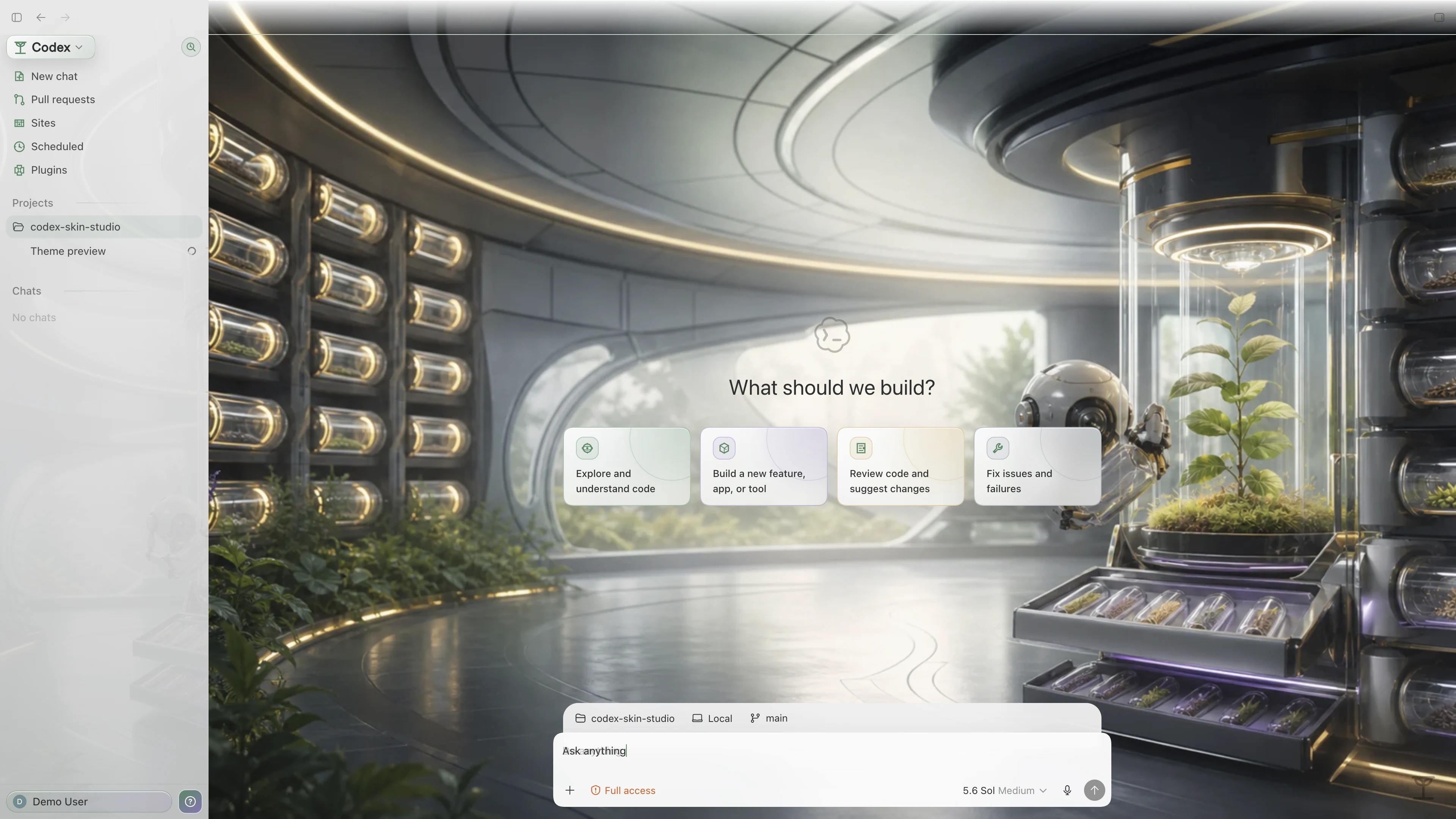 Light
Light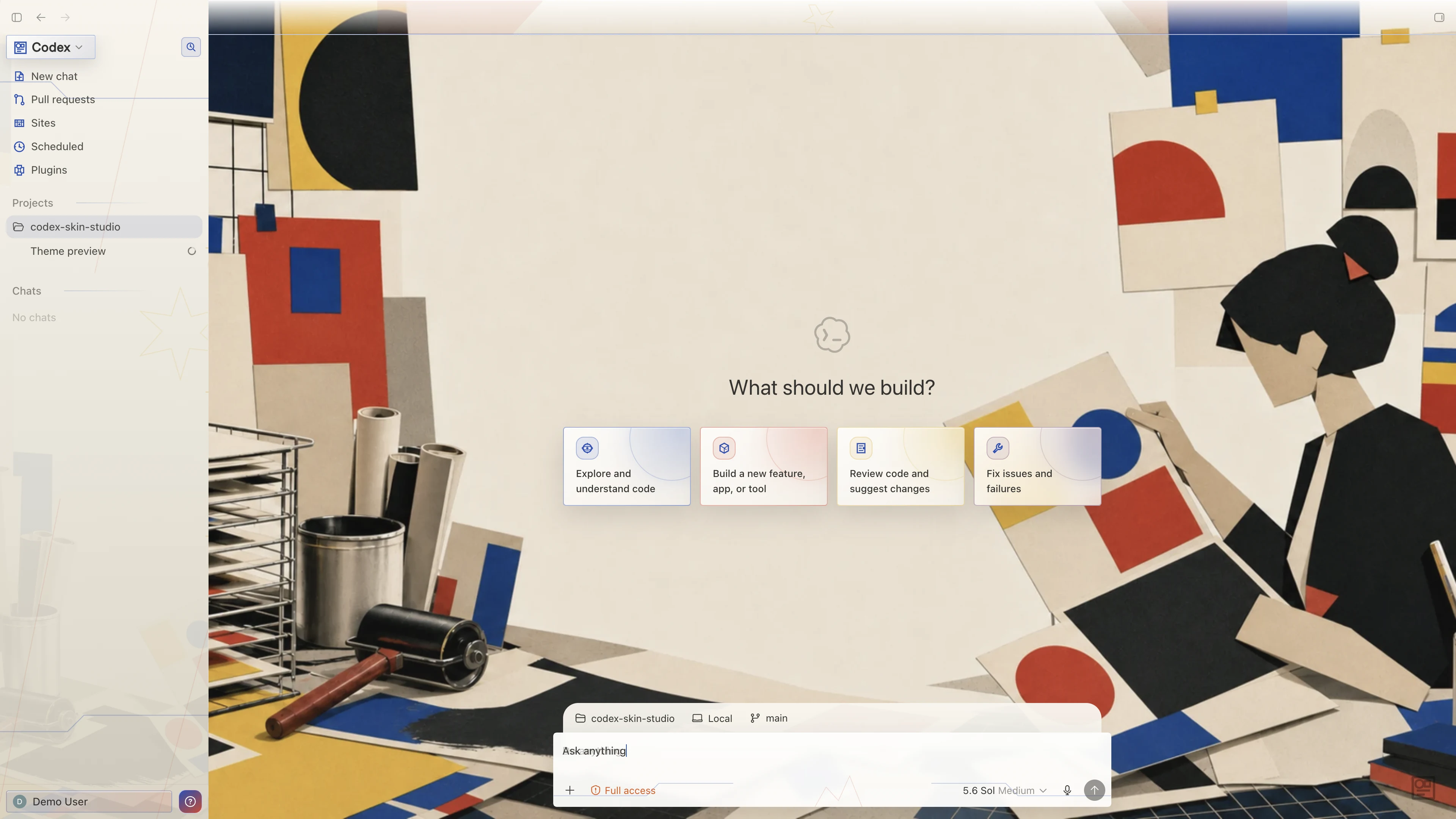
Comfort & Everyday Life
 Dark
DarkNostalgia & Retro Tech
 Dark
Dark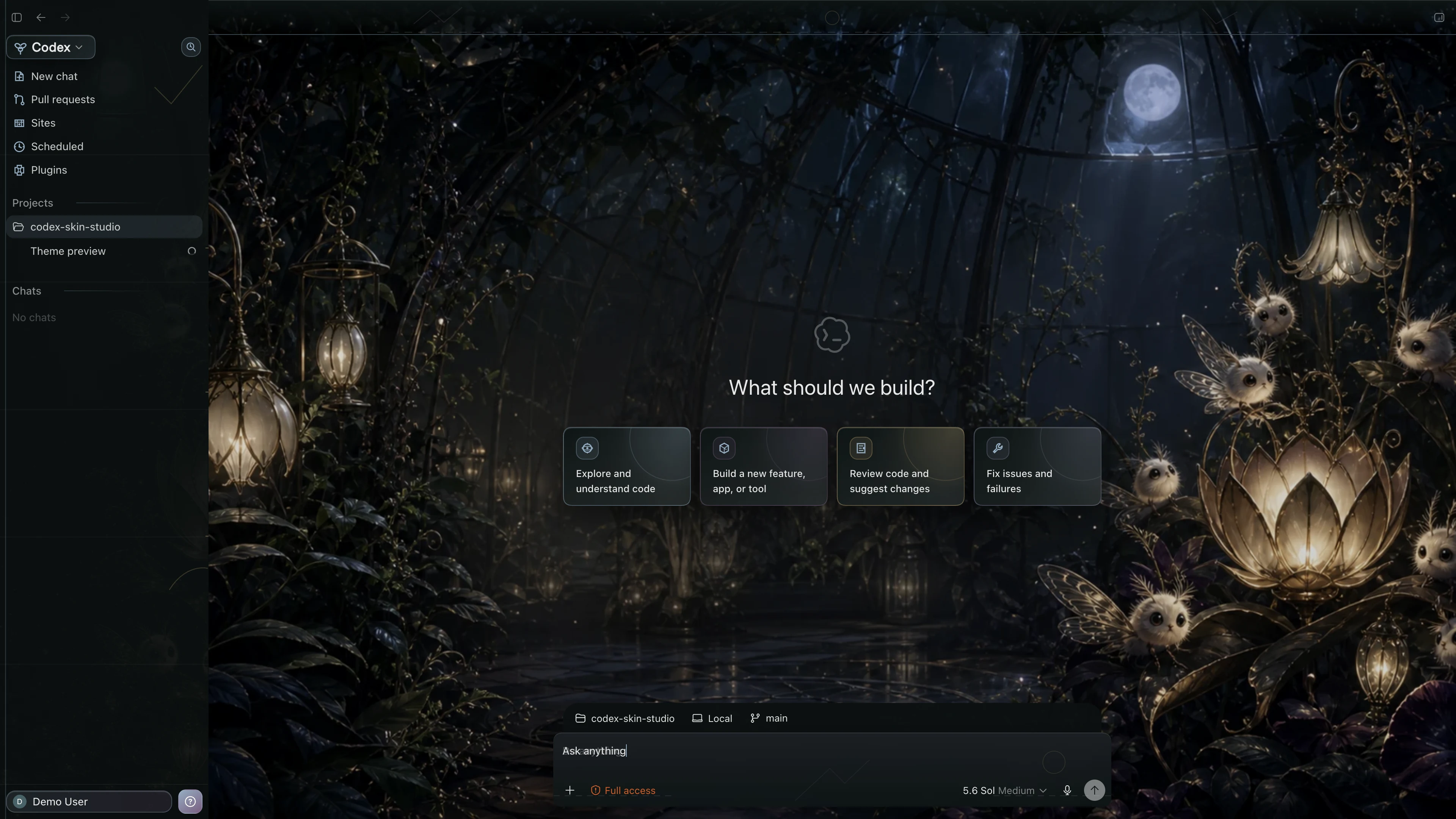
Developer Culture & Humor
 Dark
DarkWorld Travel & Landmarks
 Dark
DarkCharacters & Companions
 Dark
Dark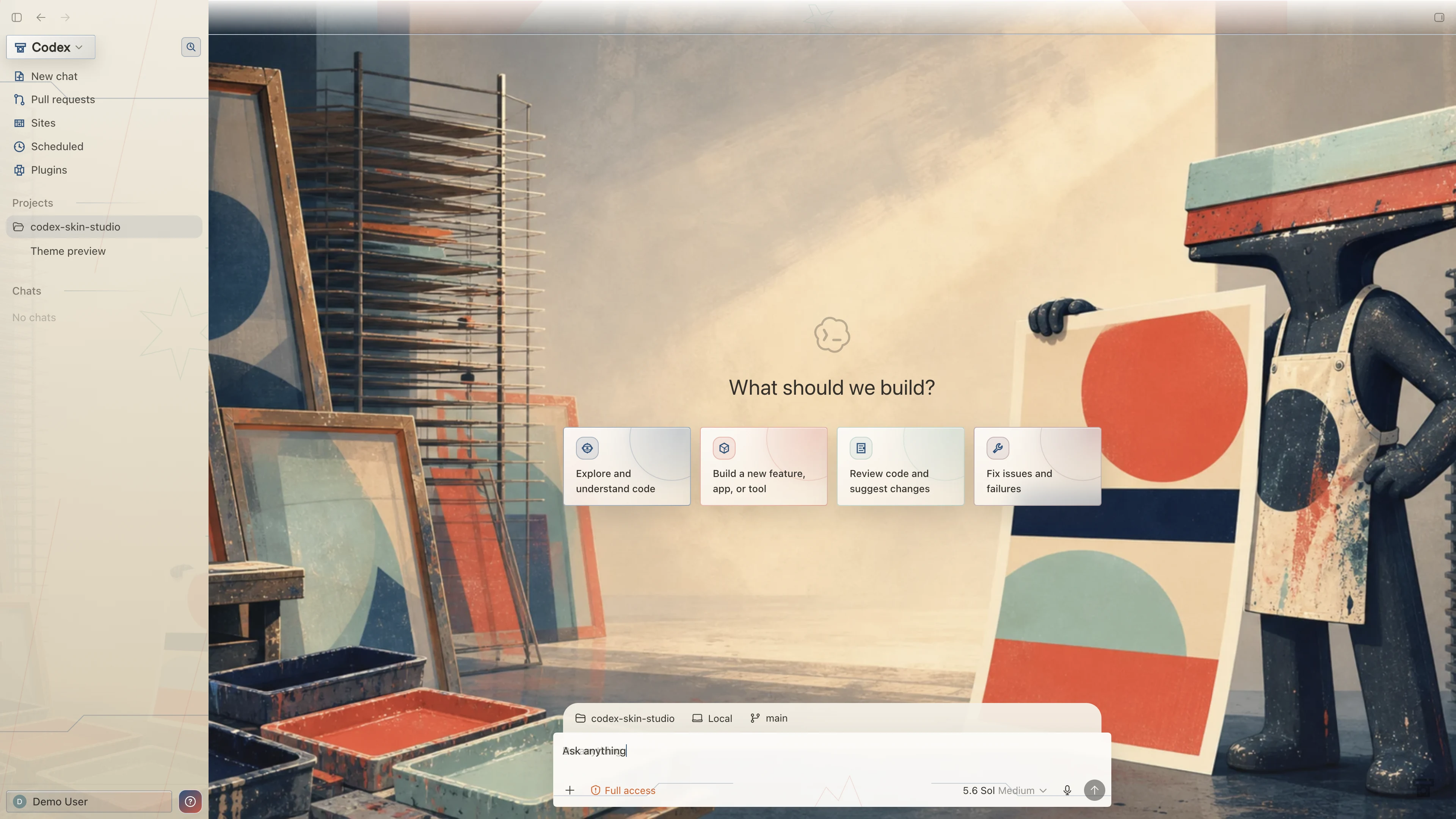
Developer Culture & Humor
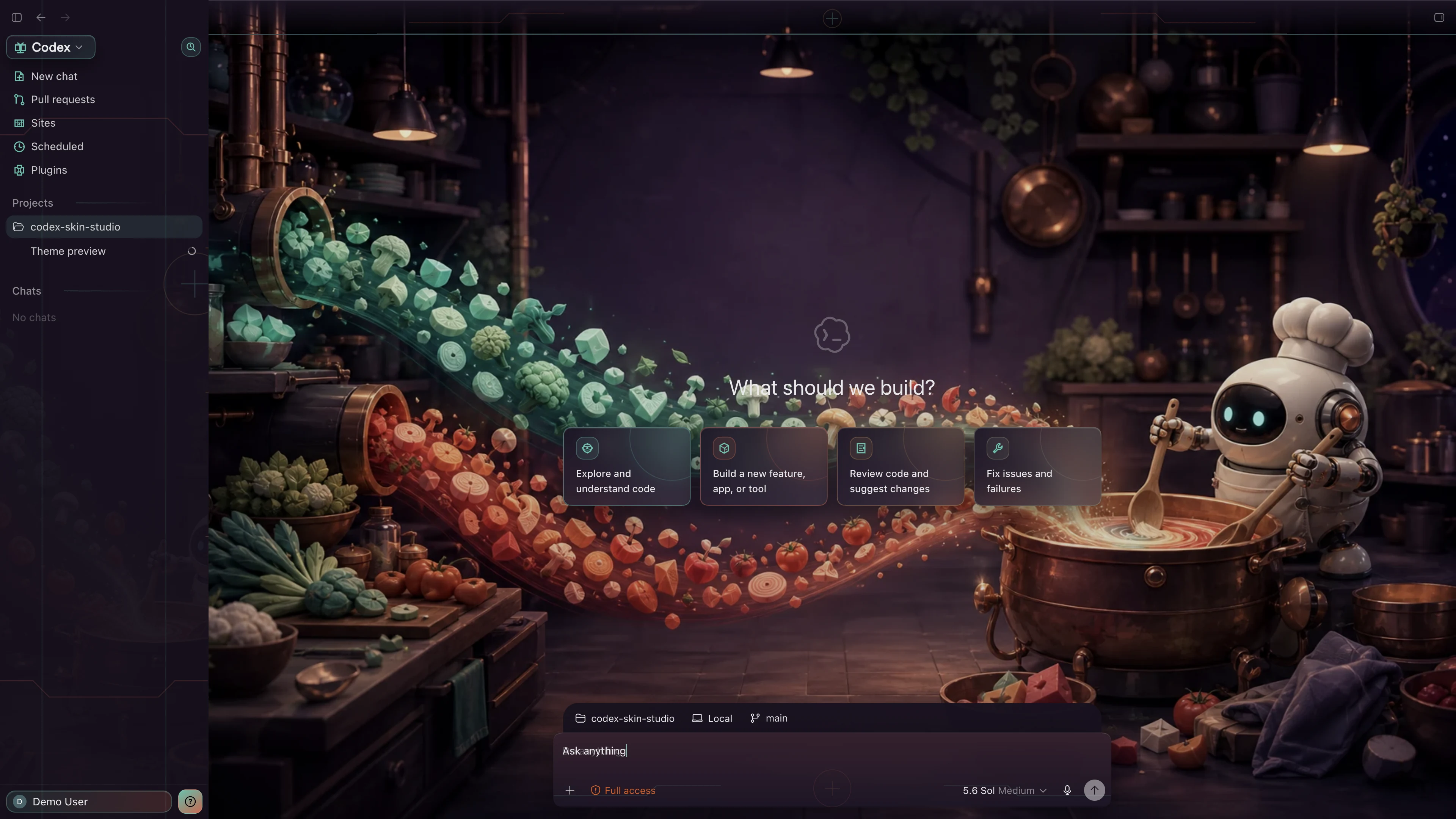 Dark
DarkDeveloper Culture & Humor
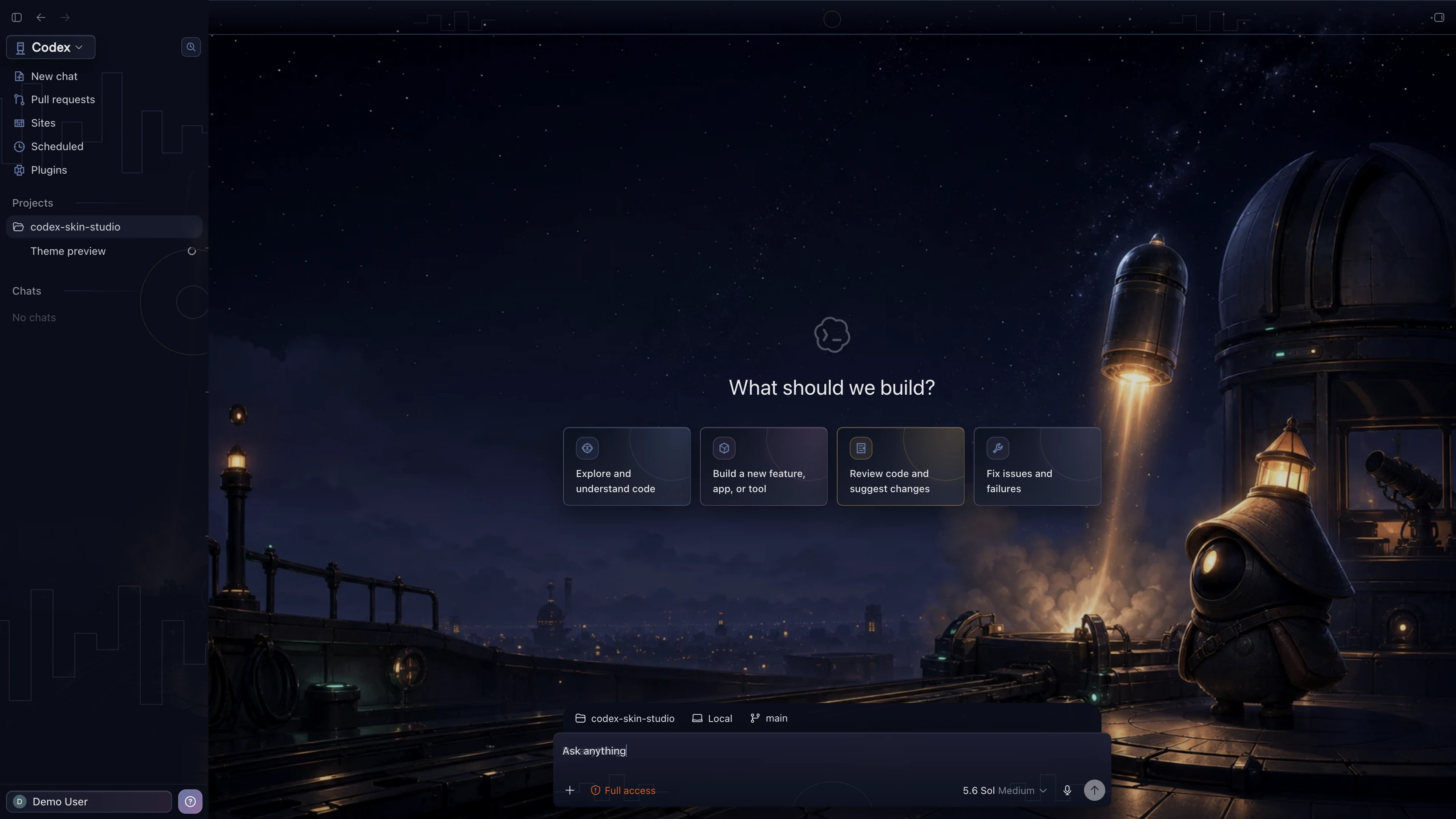 Dark
DarkWorld Travel & Landmarks
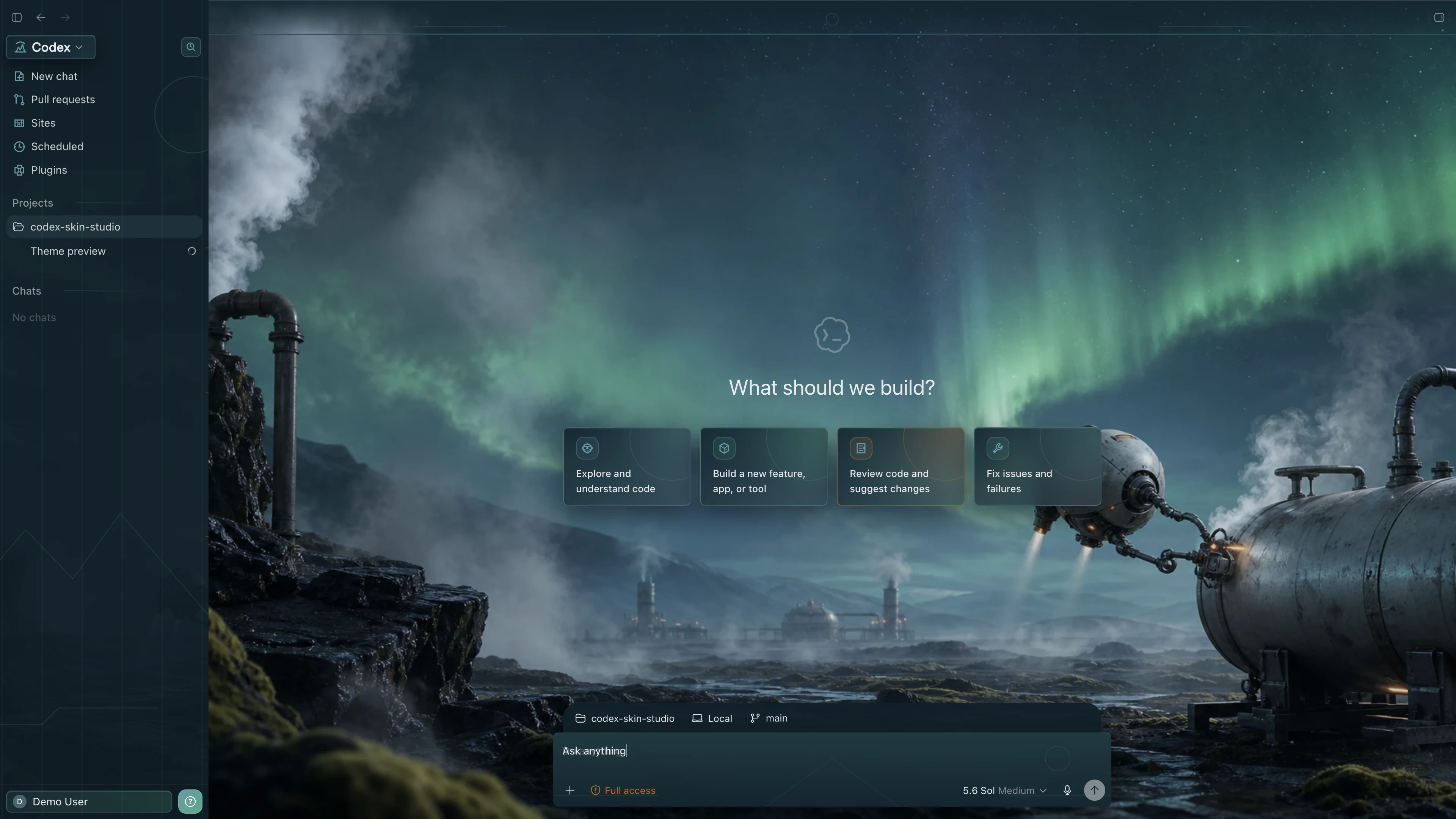 Dark
DarkWorld Travel & Landmarks
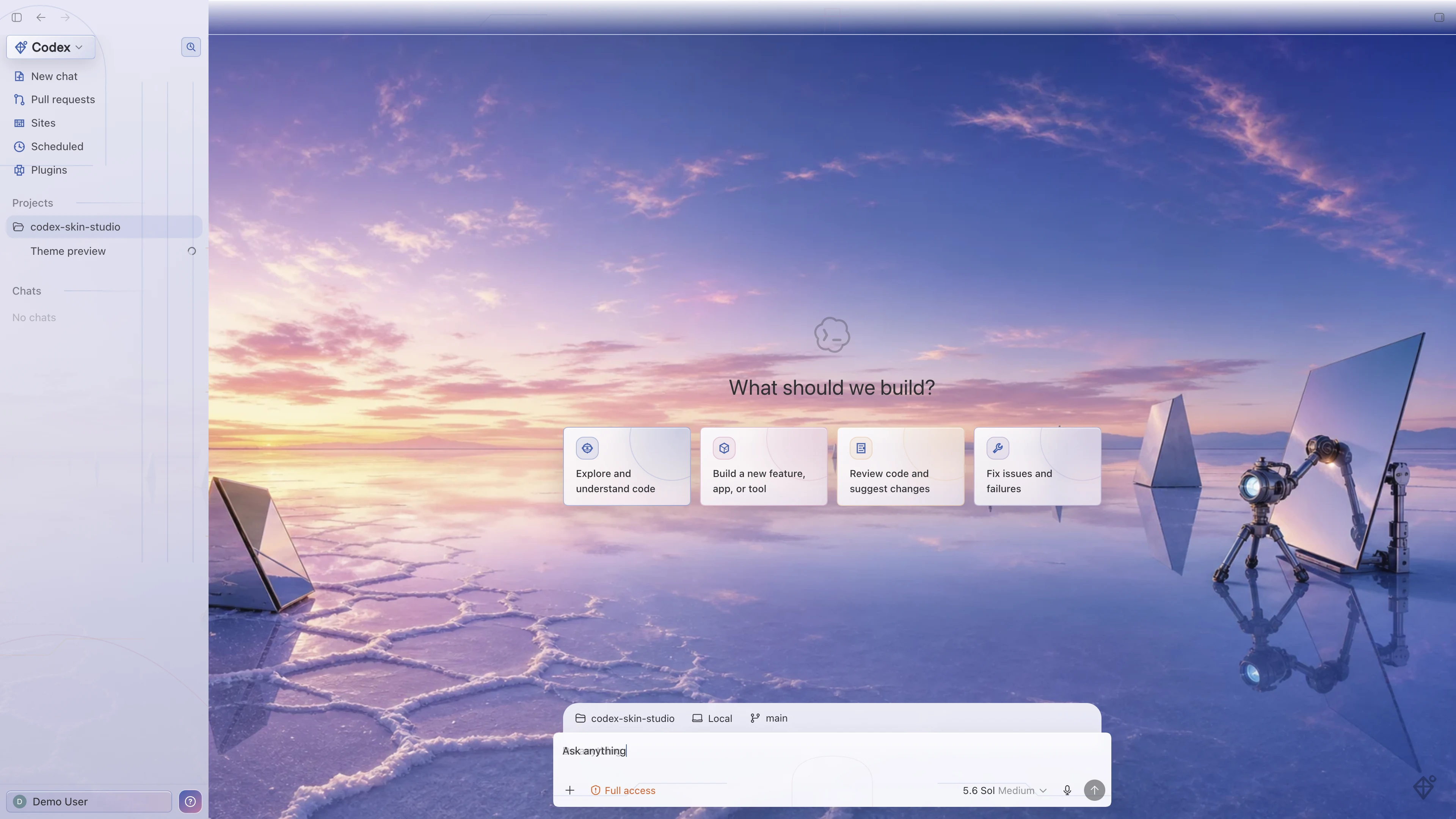 Light
LightThree controls. One verified library.
Change your Codex look without losing control.
One-click apply
Choose a verified Codex theme and apply it directly from the website or App.
One-click switch
Install the App once, then switch between themes directly from any theme card.
One-click restore
Return to the official Codex appearance whenever you want.
The first App apply may require one native Codex restart confirmation. After setup, theme-to-theme switching is instant.
What you see is what was tested.
01Growing verified library02Tested on Home + Task + Diff03macOS + Windows04Local + reversible
Two ways to use Codex Skin Studio
Try one now.
Install once to switch in one click.
Open a theme in Codex
Choose a theme and open its verified request in a new Codex task. A clipboard copy remains ready as a fallback.
Choose a theme →Apply, switch, and restore in one click
Install Codex Skin Studio once to browse the verified library, switch directly from any theme card, or restore the official Codex appearance.
Download the App →Both paths use the same signed theme packages and reversible local runtime.